Codex for Chrome vs Claude for Chrome: compared

The short answer, before anything else: if you already work in one vendor's ecosystem, its extension may be the shortest path. Codex for Chrome and Claude for Chrome are convergent designs, but browser support, permissions, reliability, integration depth, and plan or usage limits still change the trade-off, and a third route like ego(lite) trades the in-tab immediacy for a browser that stays open to Claude Code, Codex, and other compatible agents.
OpenAI and Anthropic looked at the same problem (our agent needs the user's logged-in web) and shipped the same answer: a Chrome extension that moves the agent into the browser you already use. The interesting content is in the details and the shared bill, both per their own docs.
Why do these two products look identical?
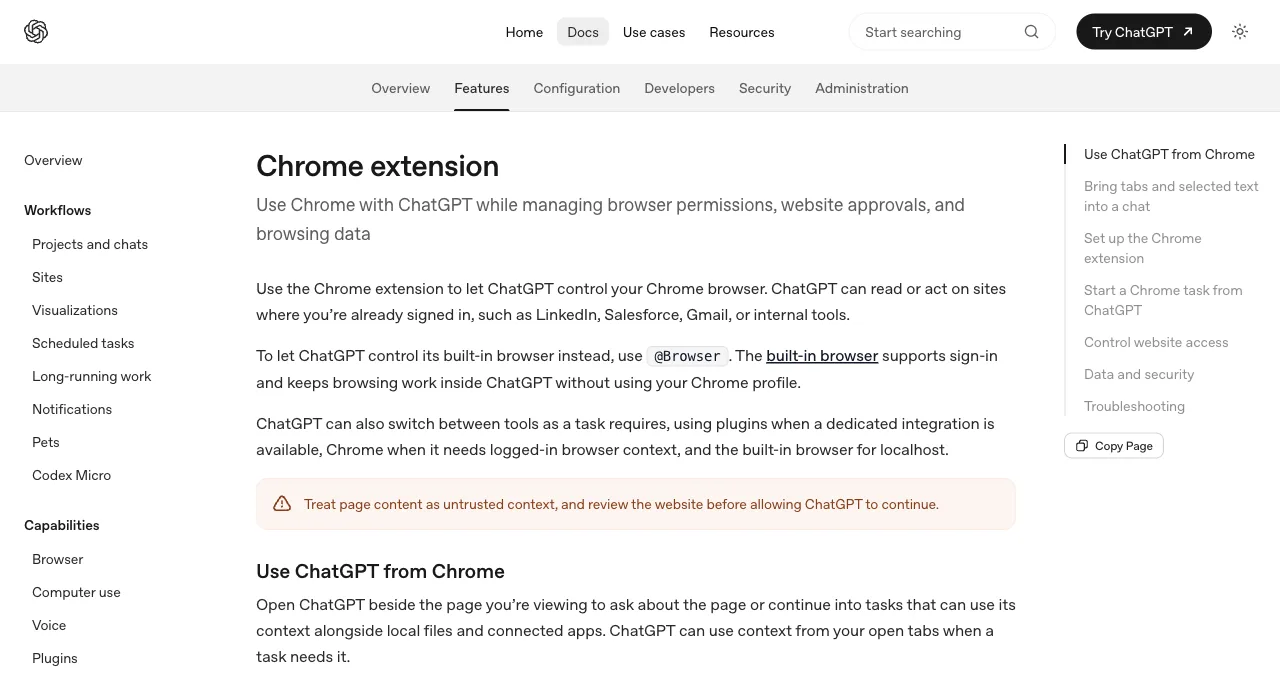
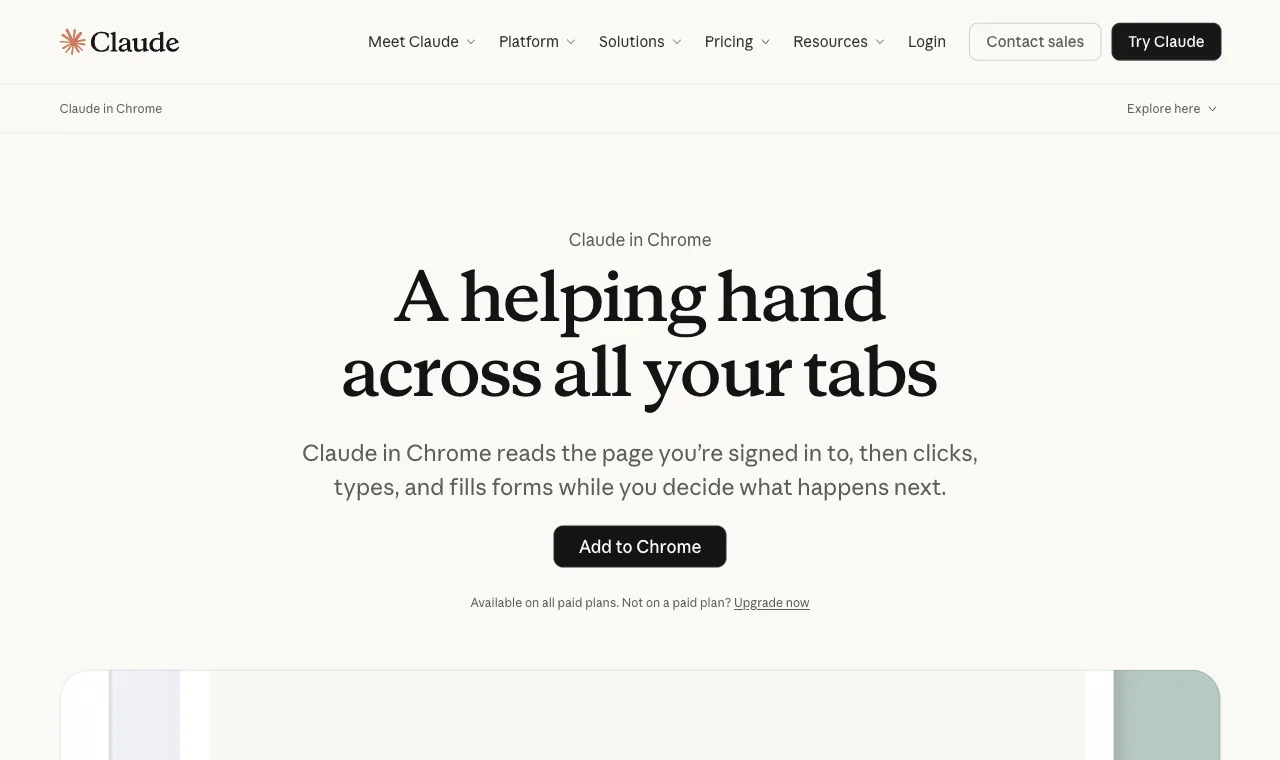
Because the constraint that shaped them is identical: the highest-value browser tasks live behind the user's logins, and a legitimate route to those sessions is the browser that already holds them. Hence: an extension, a supported browser, permission prompts, and vendor-specific attachment.
OpenAI's docs describe acting on sites "where you're already signed in, such as LinkedIn, Salesforce, Gmail, or internal tools"; Anthropic's describe navigating, clicking, and filling forms in your browser with pre-approved site permissions. Same sentence, two logos, and the same reason underneath: user sessions are the moat every agent vendor wants to cross.
Both also converged on the same safety posture, which deserves credit: explicit warnings that page content is untrusted (prompt injection defenses "aren't foolproof," in Anthropic's words), friction before dangerous actions, and guidance to keep agents away from financial transactions. The vendors take the risk seriously; users should match them.
Convergent products, convergent cautions. The differences live one level down.
A least-privilege setup matters more than the extension label. Use a separate Chrome profile or an ego(lite) Space for work accounts, keep sensitive tabs out of the agent's scope, and treat email, calendar, password-manager, and file:// content as high risk. A page can contain prompt injection, so never let an agent decide which credentials or one-time codes to reveal.
The timeline underlines the convergence: Anthropic introduced Claude in Chrome as a beta and now describes it as generally available on paid plans; OpenAI documents its browser extension as a ChatGPT desktop-app integration with staged rollout and workspace-dependent availability.
When a login popup returns every few minutes or a connector says permission_required without showing a prompt, treat it as a session and consent problem first. Reopen the vendor app, confirm the extension is paired with the intended Chrome profile, and check the site's permission state. Do not copy refresh tokens from DevTools or disable browser security to force a connection; if the session expires, sign in again through the normal flow.
Neither company treats it as a side project: both slot the extension into a larger surface family (built-in browsers, coding-agent bridges, work products), which is exactly why the ecosystem rows in the table below matter more than any single feature.
What are the five differences that matter?
Five rows where the two genuinely diverge; everything not listed here is effectively tied.
| Dimension | Codex for Chrome | Claude for Chrome |
|---|---|---|
| Task organization | Chrome tab groups per task: work stays visually bundled in your browser | Session-based within your tabs; no tab-group bundling documented |
| Coding-agent bridge | Via the ChatGPT desktop app and native host; not a Codex CLI feature | claude --chrome (or /chrome) attaches it to Claude Code directly |
| Permission granularity | Per-site approvals; allow-all flagged elevated risk; history has no always-allow | Site-level pre-approvals plus confirmations before irreversible actions; skip-all exists for trusted flows |
| Ecosystem hooks | ChatGPT Work chats, memories integration, the @Browser sibling surface | Claude Code, Cowork, and Claude Desktop "for end-to-end workflows" |
| Availability | ChatGPT desktop-app integration; Chrome, Edge, Brave, Opera, or Vivaldi, subject to rollout and workspace settings | Generally available on paid Claude plans; Chrome Web Store install |
An honest note on what's missing from this table: head-to-head task benchmarks. Both extensions are moving weekly and neither vendor publishes comparable task-success numbers; any article giving you a definitive 7-3 scoreline is measuring its own guesses. The structural rows above are stable; performance rankings between these two aren't.
The same discipline applies to our own numbers: Real-World Bench, our 31-task suite against live sites (gpt-5.6-sol, run 2026-08-19), has not measured either extension. What it has measured is CLI-driven browsers, where ego(lite) topped the field with 93.5% of 31 tasks scored perfect; the harness, tasks, and judge prompts are public on GitHub, so teams can adapt the same task definitions for a fair, separately measured comparison.
Who should pick which?
Subscription gravity decides most cases, and legitimately: the extension's value compounds with its ecosystem. A ChatGPT-first user gets Codex for Chrome's tab-group organization plus continuity with Work chats and the built-in browser; switching vendors for an extension feature would be backwards.
A Claude-first user gets Claude for Chrome's tighter Claude Code bridge (one flag and your terminal agent can use the connected browser) and the permission model Anthropic has iterated from beta to general availability.
The genuinely undecided (paying both, or paying neither yet) should weight two questions: whose coding agent do you actually live in, since the extension-to-agent bridge is where daily value accrues, and whose permission defaults you'd trust your accounts to. Those answers, not feature counts, predict satisfaction six months in.
For direct browser control, Codex and Claude each offer a vendor-owned bridge. Codex's route is the desktop app plus Chrome extension, while Claude's route can be invoked from Claude Code with claude --chrome. If you want an agent such as Cursor, Gemini CLI, or OpenCode to use the same browser, a shell-capable browser tool such as ego-browser is the cross-vendor option.
How is ChatGPT Work's cloud browser different?
ChatGPT Work's Cloud browser is not Codex for Chrome. OpenAI's current help documentation describes it as a separate browser on a remote computer: it can read pages, fill forms, and continue working after you leave, but it does not use the Chrome tabs, history, saved passwords, cookies, extensions, or existing sign-ins on your device. You sign in separately through a secure form when a task reaches an auth wall.
That separate-session design has two useful properties and one cost. Credentials entered in the secure form go directly to the remote browser and are not visible to the model; the signed-in session can persist for later tasks until it expires or you clear its browser data. The cost is re-authentication: an existing local Chrome login is not inherited, and the cloud browser may still pause for two-factor authentication, website permissions, or confirmation before a consequential action.
Use the products for different jobs: Codex for Chrome is a local extension that acts in the browser profile you connect; ChatGPT Work Cloud browser is a remote, background-capable session that starts separate. If the requirement is 'use the account already signed into my computer,' the cloud browser does not inherit that local profile: choose the documented extension route for a shared window, or choose ego(lite) to keep credentials and session state on your own machine.
To make the ecosystems concrete, one signature task each. Codex for Chrome, from OpenAI's own examples: "@Chrome open Salesforce and update the account from these call notes", with the task's tabs bundled into a group while you keep your others.
Claude for Chrome, from Anthropic's: pulling metrics from an analytics dashboard or logging sales calls to a CRM, chained with Cowork producing the workbook afterward, the "end-to-end workflows" their docs advertise. Both are the same genre of task; the surrounding product family is what differs.
What do both cost you?
Three recurring costs matter on both sides, though the exact terms differ. Your active browser surface: both act in the browser you connect, so a running task can occupy tabs or focus. One ecosystem: each serves its own vendor's agent, so the workflow bridge does not automatically follow a vendor switch. Plan and usage limits may also shape the monthly cost.
Plan and usage limits: Claude in Chrome is listed for paid Claude plans, while Codex browser availability and limits can depend on your ChatGPT plan and workspace. We wrote the architectural argument up in full in the vendor-extension vs shared-browser comparison; the short version is that these costs are invisible in demos and constant in daily use.
Whether those costs matter is workload-shaped: for occasional supervised tasks they're fine; for daily parallel work they compound.
Reliability is also workload-shaped. A stream error, a missing quick-mode control, or a tab that stops responding is often a vendor-session or extension update issue, not proof that the underlying browser task is impossible. Capture the URL, the last confirmed step, and the visible error; restart only the affected session; and keep a human checkpoint before resuming a form, email, or CRM update.
The alternative architecture (a separate browser with explicitly provisioned state) changes those trade-offs: ego(lite) is a free app, supports documented shell-capable agents such as Claude Code and Codex, and runs the agent in an isolated Space so your active window stays separate. Model, agent, network, and site-access costs still depend on your setup.
For token and cost control, define the output before you start: a table with source URLs, a short list of changed rows, or a draft email for review. Batch page reads and actions where the tool supports it, avoid sending the same screenshot after every click, and track model usage per client or workflow. A paid plan limit is not a permission to run unattended writes.
What it lacks is exactly the extensions' strength: the zero-technical-setup, inside-your-tabs immediacy that makes them right for non-developers.
Desktop integration has its own lifecycle. If Claude Desktop no longer detects Claude in Chrome, or an uninstall leaves tools in a context window, quit both apps, remove only the documented extension or native-host entry, and reinstall from the vendor's current instructions. Keep a browser side panel or a spreadsheet connector separate from the agent's write permissions.
So the real decision tree has three leaves, not two: your vendor's extension for occasional in-your-tabs errands, ego(lite) for the recurring parallel work, and both together for desks that have both shapes of task, which is most desks that use agents seriously.
Social monitoring belongs in the read-and-review branch of that tree. An agent may collect permitted public mentions or a keyword list into a source-linked report, but replies, likes, follows, outreach, and customer records are account actions. Keep them paused for a person, respect platform terms and rate limits, and use the platform's API or export when one exists.
See ego(lite) vs the Codex extension or vs Claude for Chrome, or download ego(lite) for Mac, free.
FAQ
Can I install both extensions at once?
They can be installed together, but compatibility and profile permissions can vary by browser and release. The practical friction is human: two agents with permissions in one browser means two permission models to keep straight. If you do run both, keep their site approvals disjoint so you always know which agent may touch what, and test one workflow at a time.
Do these replace Playwright MCP or testing tools?
No; different jobs. The extensions are personal-task agents in your accounts; testing infrastructure needs deterministic, headless-capable, fresh-profile automation, which stays with Playwright and friends. The five-ways guide maps the whole territory, and the split holds regardless of which vendor's extension you pick.
Are they safe to use on banking and financial sites?
Both vendors publish strong cautions: Anthropic says to avoid financial transactions, password management, and sensitive personal data because prompt-injection protections aren't foolproof; OpenAI says to treat webpage content and requested permissions as untrusted and review them before acting. That's not lawyer-speak; agents in signed-in browsers are a new attack surface, and the vendors' own guidance is the calibration to copy.
Can I use Codex for Chrome and the built-in @Browser together?
Yes, and OpenAI's docs draw the line for you: @Chrome for tasks that need your real tabs and profile, @Browser for a shared view in the chat with a separate profile. They're complementary surfaces of the same app rather than competitors.
Why does a Chrome agent keep asking me to sign in or request permission?
A repeated login prompt can mean the task is using a different browser profile, the site's session expired, or the vendor's extension and desktop app are out of sync. Confirm the intended profile, update and restart the vendor app and extension, and check the site's permission or allowlist state. Sign in through the normal page when needed; never copy refresh tokens, password-manager data, or one-time codes from DevTools into a prompt.
Can a Chrome extension agent read my other browser profiles or private files?
Do not assume profile or file isolation. Install the extension only in a profile intended for the task, review the browser permissions it requests, keep unrelated tabs and file:// pages out of scope, and use a separate least-privilege account for business data. An isolated ego(lite) Space can reduce exposure to active tabs, but you still control what login state and pages you provision.
Do either work on Firefox, Edge, or Brave?
OpenAI's current docs list Chrome, Edge, Brave, Opera, and Vivaldi for browser control, with feature differences by browser and rollout. Check the current browser-extension support list and workspace settings, and Claude for Chrome ships through the Chrome Web Store. Claude's availability and browser support can change, so verify the vendor's current requirements. Users in mixed environments should compare browser-shaped and extension-shaped solutions rather than assume interchangeability.
Which works with Cursor or other agents?
Neither; vendor-exclusivity is the architecture. Cross-agent setups reach for Browser MCP (takeover-style access to your window) or ego(lite), which combines that route's logged-in access with a separate window and any-agent control.