Best browser MCP for Claude Code: 6 tested options


The shortlist, before anything else: for daily tasks on accounts you've explicitly provisioned, ego(lite) is a strong fit for login state (full disclosure: we build it, and it is technically the list's one non-MCP entry). For debugging, Chrome DevTools MCP offers the deepest protocol diagnostics here. For testing and CI, Playwright MCP is the most purpose-built option.
If that's all you needed, you're done. The rest is the scoring method, all six options with their documented numbers, and the cases where the rankings flip, because a list that never flips is a list that wasn't scored honestly.
How is this list scored?
Four dimensions, weighted by how often they end up being the reason people switch tools: login state (can the agent act in your accounts without scripted auth), token cost (what a real multi-step task does to your context and bill), parallelism (can two tasks run without colliding, while you keep browsing), and price.
Maintenance is a pass/fail gate rather than a score: anything deprecated or abandoned is out. That's why no Puppeteer MCP appears here; the reference server is deprecated on npm.
On honesty: no single benchmark covers all six exactly as listed. The closest is Real-World Bench, a 31-task suite against live sites with the same model and judge. It measured ego-browser and agent-browser directly, the Playwright and DevTools entries via their CLI routes (playwright-cli and chrome-devtools-cli, not the MCP servers), and Browser Use via Browser Harness, Browser Use's local version. Browser MCP was not measured. Where an entry cites that benchmark, it says so; everything else rests on each tool's published measurements, cited inline.
And one entry (ego(lite)) isn't an MCP server at all; any coding CLI agent can connect to it through the open-source ego-browser shell without an SDK. It's included because people searching "best browser MCP" want the capability (Claude Code driving a browser), not the protocol, and excluding a tool that does the job on a technicality would make the list worse.
Capability first, protocol second.
The six options, one by one
1. ego(lite), agent browser
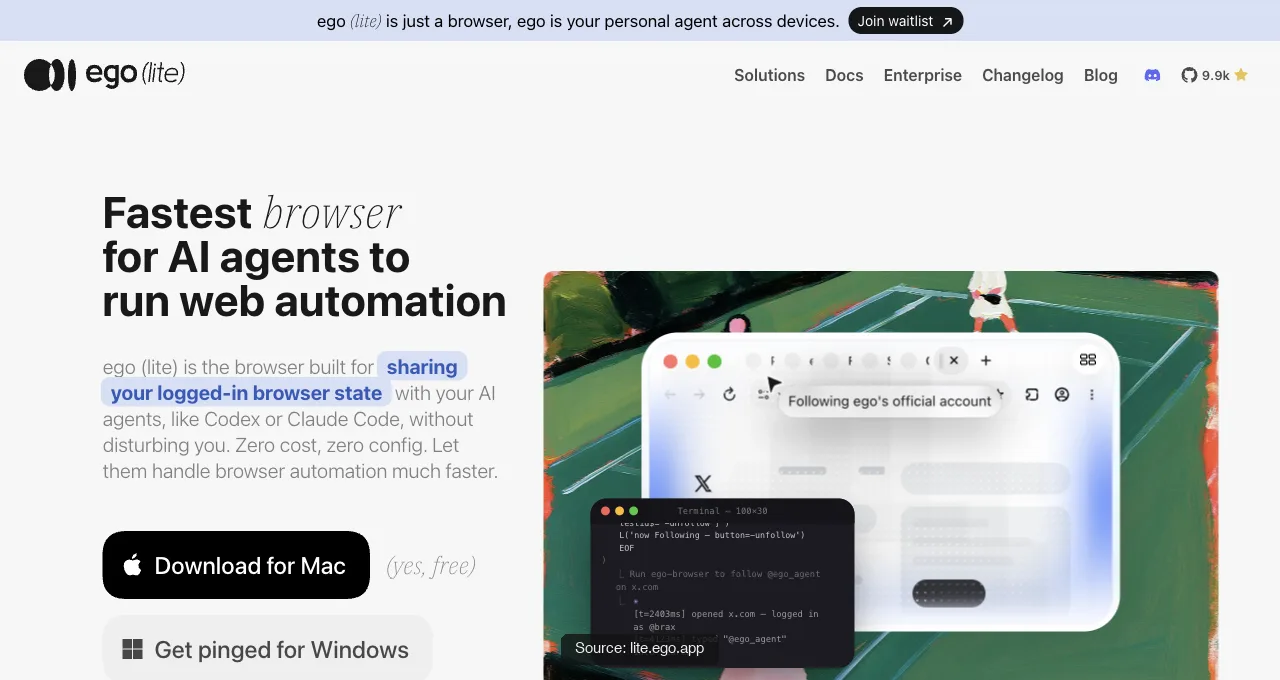
ego(lite) is an agent browser for browser automation: a free app that can use browser state you explicitly provision for AI agents. A selected profile may preserve some sessions, but individual sites can require re-authentication and policies may limit what transfers.
Claude Code drives it through the ego-browser skill, writing whole workflows as scripts that execute outside the model's context. In our published benchmark that meant 44% fewer execution rounds, 35.5% fewer tool calls, and 21.6% lower cost versus the command-at-a-time pattern.
On Real-World Bench (31 live-site tasks, the same model and judge), it finished 93.5% of tasks perfectly at $1.64 average model cost per task. Spreading the spend over completed tasks gives $1.75 per completed task. These are task-suite results, not a guarantee for every Claude Code workflow. Raw sessions and rubrics: the benchmark repo.
Tasks can run in parallel Spaces separate from your active window. The limits, stated plainly: no debugging panels and no claim of headless CI support.
Setup is one command from the official repo, or one prompt to whatever agent you already run:
npx skills add citrolabs/ego-litePaste into your agent
Set up ego lite for me: https://github.com/citrolabs/ego-lite Read `skills/ego-browser/references/install.md` and follow the steps to install ego lite.
2. Playwright MCP
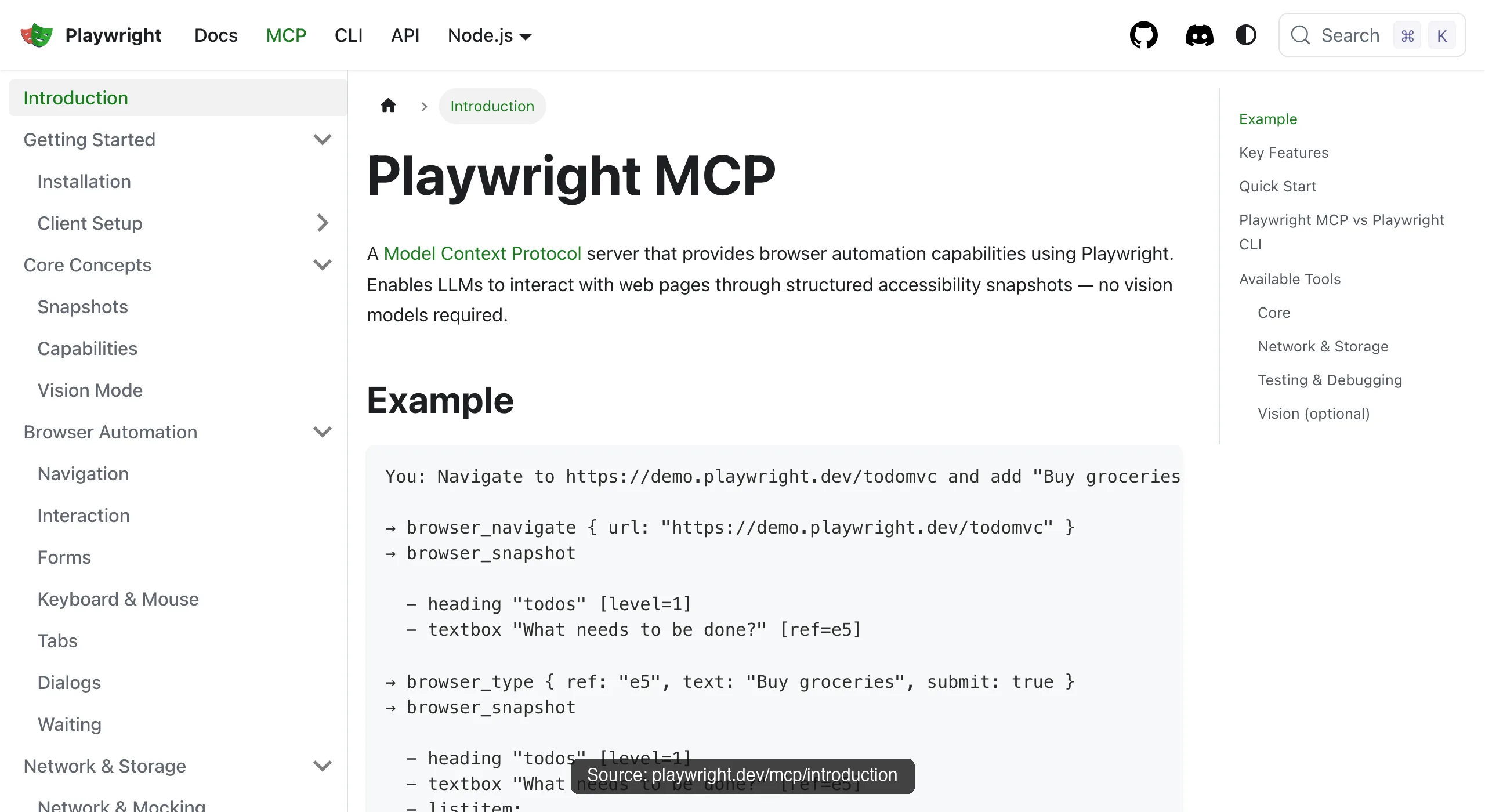
Playwright MCP (Microsoft, open-source under Apache-2.0) is the default answer and maintenance benchmark for this list: one-line setup, deterministic accessibility-tree refs, cross-browser, headless-capable automation. Compute and model costs still depend on how you run it.
One published measurement reported test runs at 89K–114K tokens, single complex-page snapshots pass 50K, and sessions degrade around step 12-15 on stale state.
On completion, Real-World Bench measured the CLI route (playwright-cli, not this MCP server): 71.0% of 31 tasks perfect at $3.42 average, which works out to $3.42 ÷ 71.0% = $4.82 per completed task.
Best testing tool here; worst daily-task economics.
3. Chrome DevTools MCP
Chrome DevTools MCP (Google, free) owns the diagnostic kit nothing else on this list has: performance traces with Core Web Vitals, V8 heap snapshots, network forensics, device emulation.
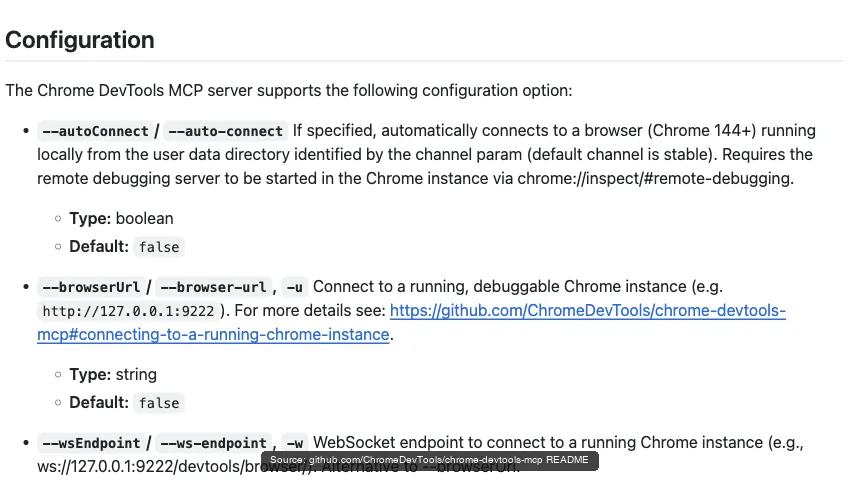
Auto-connect (Chrome 144+) attaches it to your signed-in browser behind a permission dialog, at the price of sharing your window while it works. Install lean with --slim (3 tools) and enable the full kit per task.
What a snapshot actually costs here, from a recorded session: one take_snapshot call against the Hacker News front page returned 38,285 characters of accessibility tree, roughly 9-10K tokens, before the agent had clicked anything. That's the substance behind this entry's token-cost row, and why DevTools MCP is the debugging pick rather than the daily-task pick.
The completion data agrees: on Real-World Bench the measured tool was chrome-devtools-cli (the CLI route to the same protocol, not this MCP server), which finished 61.3% of 31 tasks perfectly at $4.95 average, or $4.95 ÷ 61.3% = $8.08 per completed task, the highest of the five tools measured.
4. Browser MCP
Browser MCP (browsermcp.io, free) is an extension-plus-server pair that connects Claude Code, Cursor, and other MCP clients to your existing browser: automation runs locally, "uses your existing browser profile, so permitted sessions may remain available," and rides your real fingerprint.
The trade is the same as every extension route: it drives the browser you're using, one task at a time, in your window.
5. Browser Use (MCP mode)
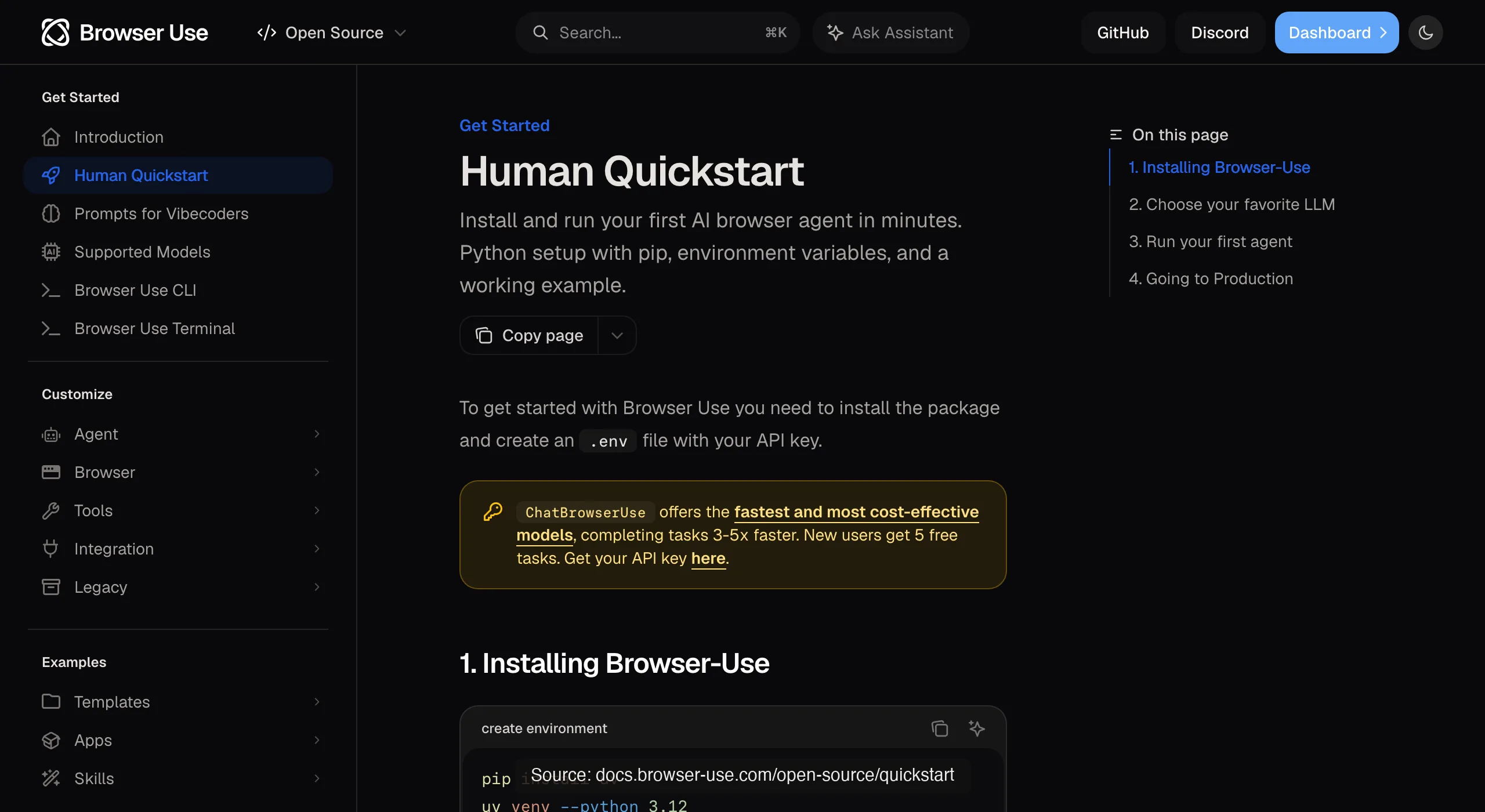
Browser Use (MCP mode) (MIT, ~110K stars) is the autonomous framework speaking MCP: its navigation and extraction machinery exposed as tools for your client.
You inherit its strengths (resilience on unfamiliar pages) and its costs (model-heavy steps, and real-Chrome session attach documented as unreliable). Right when you specifically want its machinery inside an MCP workflow.
Real-World Bench measured Browser Harness, Browser Use's local version (the cloud product was not benchmarked): 77.4% of 31 tasks perfect at $2.43 average, which is $2.43 ÷ 77.4% = $3.14 per completed task, second to ego-browser on both counts.
6. agent-browser (MCP mode)
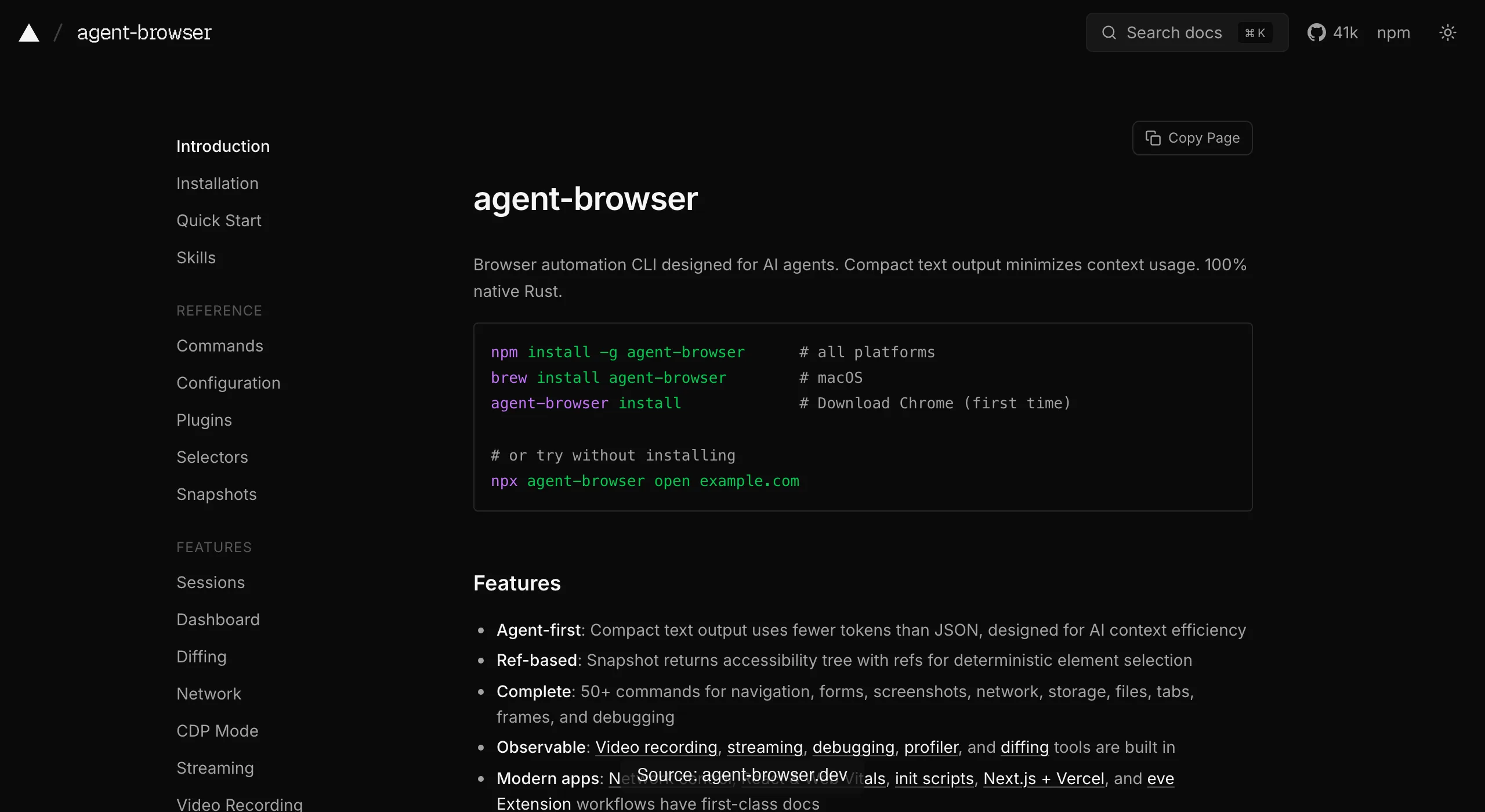
agent-browser (MCP mode) (Vercel Labs, Apache-2.0, ~40K stars) is the Rust CLI's MCP face, with a core profile that keeps tool schemas small.
Fast and clean for stateless work. Sessions are isolated by design, so your logins stay out, and that's a feature until it's your blocker.
On Real-World Bench, agent-browser (measured as the CLI its MCP mode wraps) finished 62.9% of 31 tasks perfectly at $2.66 average, or $2.66 ÷ 62.9% = $4.23 per completed task.
The scorecard
Read rows, not just the winner: the right pick flips completely depending on which column is your bottleneck, and every cell below traces to a documented measurement or an official doc named in this article.
| Option | Login state | Token cost | Parallelism | Price |
|---|---|---|---|---|
| ego(lite) | Yes; inherited | Leanest pattern (out-of-process, benchmarked) | Parallel Spaces, window untouched | Free |
| Playwright MCP | None by default | Heaviest (measured) | Single sequential session by default | Free |
| Chrome DevTools MCP | Yes via auto-connect | Moderate; spills large bodies to disk | Your one window under auto-connect | Free |
| Browser MCP | Yes; your profile | Moderate; snapshot-based | Your one browser | Free |
| Browser Use MCP | Unreliable real-Chrome attach | Model-heavy per step | Multiple managed browsers | Free self-hosted |
| agent-browser MCP | None; isolated by design | Lean; filtered snapshots | Multiple isolated sessions | Free |
Which should you pick, by what you do?
QA and test engineers: Playwright MCP for drafting and exploration, your existing framework for the suite, and budget the tokens (or use its CLI for long sessions). DevTools MCP joins the day a failure turns out to be performance-shaped.
Data collection and scraping: Public pages at volume: agent-browser or scripted Playwright. Sources behind your own logins: ego(lite), which starts past the sign-in.
Daily assistant work (dashboards, forms, portals): ego(lite) first since it is itself the browser, with no relay or extension to install, pair, or keep connected; Browser MCP as the pure-MCP alternative if you want extension-style simplicity and don't mind lending your browser while it runs.
One pattern across all three personas: the tool that wins your main workload rarely covers your edge cases, and that's fine. The MCP architecture (and ego(lite) as an agent browser alike) makes these cheap to keep side by side; the expensive mistake is forcing one tool to be all four columns.
Download ego(lite) for Mac, free, or see all five connection routes compared if you're still mapping the territory.
How to reduce MCP context bloat in Claude Code
MCP context bloat is usually a configuration problem, not a Claude Code limit: every enabled server contributes tool names, descriptions, input schemas, and sometimes large results before your task starts. Keep one browser execution server enabled by default, and add specialized servers only for the current job.
- Prefer tool search or lazy loading when your client supports it; do not expose dozens of rarely used tools in every session.
- Ask for locator-level or field-level output instead of a full accessibility snapshot or page HTML. Paginate results and cap rows, depth, and screenshot size.
- Use lean server modes such as --slim or --caps where documented, and disable duplicate browser servers rather than hoping the model will ignore them.
Measure both schema tokens and result tokens. A small tool list can still become expensive if every action returns a full DOM; a larger list may be acceptable for a short debugging session when outputs are filtered.
How to control long-running and multi-agent MCP cost
For agents that run for hours or days, token cost comes from more than the model: count MCP schemas, action results, screenshots, retries, browser minutes, and human recovery time. Set an explicit budget per task and stop a run when it crosses the budget instead of letting a retry loop consume a weekly limit.
- Give each agent a bounded action, time, and token budget; persist checkpoints so a restart resumes from a known state.
- Route deterministic bulk work to a CLI or script, and reserve Claude Code for planning, exceptions, and verification.
- For multi-agent workflows, assign separate Spaces or browser profiles, share compact artifacts rather than transcripts, and cap concurrency to the rate limits of the target site.
Track success-adjusted cost (total spend divided by completed tasks), not just cost per attempt. A cheap agent that repeatedly fails authentication or waits on flaky pages can be the expensive choice.
Which MCP servers are actually useful?
Start with ego(lite) when you want the agent to write a script that runs in the browser instead of passing each step back through the conversation. Then choose by the bottleneck you need to solve: Playwright MCP is the practical default for cross-browser exploration and test-oriented locators; Chrome DevTools MCP earns its place for console, network, performance, and heap diagnostics; Browser MCP is useful when an extension should drive an existing logged-in browser; Browser Use MCP adds autonomous navigation; agent-browser MCP favors compact, isolated sessions.
| Need | Keep | Reason |
|---|---|---|
| Authorized login and parallel tasks | ego(lite) | Inherited state, isolated Spaces, and shell workflows |
| Assertions and CI | Playwright MCP | Deterministic locators and headless workflow |
| Runtime debugging | Chrome DevTools MCP | Console, network, performance, and heap tools |
| Existing login | ego(lite) or Browser MCP | Uses an existing profile; trade isolation against convenience |
| Parallel assistant tasks | ego(lite) or agent-browser | Isolated sessions avoid collisions |
Making browser MCP automation reliable
The most reliable setup is a pinned, observable setup: lock the MCP server and browser versions, verify startup and the returned tool list, and record traces for failures. Do not install @latest blindly in a long-running workflow; a changed schema can invalidate prompts and runbooks.
- Use stable locators and wait for state, not arbitrary sleeps; enable bounded retries for transient timeouts and 5xx responses.
- Separate transient failures from auth failures (401/403), consent pages, and CAPTCHA challenges; checkpoint before retrying so actions remain idempotent.
- Run a health check that opens a known page, performs a harmless locator action, and confirms the expected browser profile before production work.
For CI, prefer Playwright MCP or its CLI-oriented test stack. For an interactive signed-in browser, DevTools MCP or Browser MCP can be more convenient, but reliability depends on the desktop session staying available.
Browser MCP security and privacy
Treat page content as untrusted input. Prompt injection can appear in visible text, hidden DOM, or a document returned by a tool; it must not be allowed to change your agent's instructions or grant new permissions.
- Require an SSRF-safe fetch layer: allowlist destinations, block localhost, private ranges, cloud metadata endpoints, and unexpected redirects, and re-check DNS and IP after resolution.
- Grant the smallest tool and OAuth scopes possible. Keep secrets out of prompts and logs, redact cookies and headers, and review confirmation prompts before state-changing actions.
- Keep Chrome DevTools Protocol endpoints bound to localhost or a protected network; never expose an unauthenticated debugging port to the public internet.
A local server, VPN, or password manager reduces some exposure but is not an absolute safety guarantee. Audit the server source, dependencies, update policy, and data retention before connecting a valuable account.
Strip and preprocess HTML before it reaches context
To save tokens, extract the article or target fields before returning a page to Claude Code. A Readability-style extractor, a selector scoped to the relevant container, or a typed field schema usually beats sending the full DOM, scripts, styles, and navigation chrome.
// Prefer a compact, auditable result
{ "title": "…", "price": "…", "sourceUrl": "…", "capturedAt": "…" }
Keep the source URL, capture time, and either the original response or a content hash so a reviewer can verify what was removed. HTML stripping lowers context usage; it does not preserve every semantic cue and it is not a security boundary. Preserve links, labels, and structured data that affect the decision, and fall back to the raw page when extraction confidence is low.
FAQ
What's the best browser MCP overall?
For strict MCP-only setups: Chrome DevTools MCP if your work includes debugging, Playwright MCP if it is testing-centric, Browser MCP if login state matters most. Across capability regardless of protocol, ego(lite) is a strong daily-task fit when compact execution matters; the app is free, while model or network costs still depend on your setup.
Is there a single MCP that does everything well?
No single option wins every workload, and the scorecard shows why: login state may favor a connected browser; parallelism may favor isolated browsers; debugging favors protocol depth. ego(lite) addresses that trade-off with explicitly provisioned state inside isolated Spaces and execution outside the conversation, while its concessions include debugging depth and headless CI.
Is there a real-task benchmark behind this ranking?
Real-World Bench: a 31-task suite against live sites with the same model and judge. It covers four of the six entries, directly or via the measured sibling named in each section: ego-browser finished 93.5% of 31 tasks perfectly at $1.75 per completed task; the other measured entries landed between 61.3% and 77.4% across 31 tasks. Browser MCP was not measured. Dataset, rubrics, and raw sessions are public in the ego-browser-benchmark-framework repo on GitHub.
Can I install more than one?
You can install more than one, but test each server and keep permissions explicit. A practical pairing is one execution tool (ego(lite) or Playwright MCP by workload) plus DevTools MCP kept lean for diagnosis days. Watch total schema load: every enabled server's tool definitions can add to your context, and duplicate browser tools can confuse planning.
Why isn't there a Puppeteer MCP on the list?
The reference server-puppeteer is deprecated on npm with no maintained official successor, and a deprecated dependency holding a browser session fails this list's maintenance gate. Community forks exist; audit before trusting one.
How do MCP tool schemas affect my context budget?
Every enabled server's tool definitions load at session start: A published Playwright MCP measurement reported ~4,200 tokens across two dozen-plus tools, and stacking three browser servers triples that before any work happens. Keep one execution tool enabled by default, gate the rest behind per-task enabling, and use lean modes (--slim, --caps) where servers offer them.
Do these work with Cursor and Codex too?
The five MCP options generally register through a client's MCP configuration, while ego(lite) uses its documented shell workflow. Cursor and Codex are examples of supported agents, but verify each integration and version before applying the scorecard unchanged.