Playwright vs Puppeteer for web scraping: 2026 verdict


The short answer, before anything else: neither tool is faster overall, and the speed debate shouldn't decide your scraping stack. ego(lite) is a separate visible browser route for an authorized live-page task, not a measured third library in this comparison. What separates Playwright and Puppeteer is API design (Playwright's auto-waiting and a roughly 50x typing difference in one cited benchmark), community tooling, and browser coverage (three engines and five languages against Chrome-first JS).
On authenticated scraping both usually require explicit profile and login management.
For an authorized page that a person and an Agent need to inspect in the same visible browser, ego(lite) is another execution route. The live ego-browser example below returns selected fields from a public page; it does not test inherited login state or compare scraping speed with Playwright or Puppeteer. Keep the two libraries for repeatable scraping code, and choose a browser session only after checking the site's permissions and the evidence you need. See the live-page example and limits below.
Ask r/webscraping to pick between Puppeteer and Playwright and you get a genuine split: "for large-scale scraping, Puppeteer usually wins, for complex flows, Playwright" sits right next to "I'd lean toward Playwright, it's just more stable overall."
Both camps are reporting real experience. The tools are siblings (Playwright was started by ex-Puppeteer engineers), their APIs rhyme, and raw speed differences mostly cancel out.
What are Playwright and Puppeteer, and who's behind them?
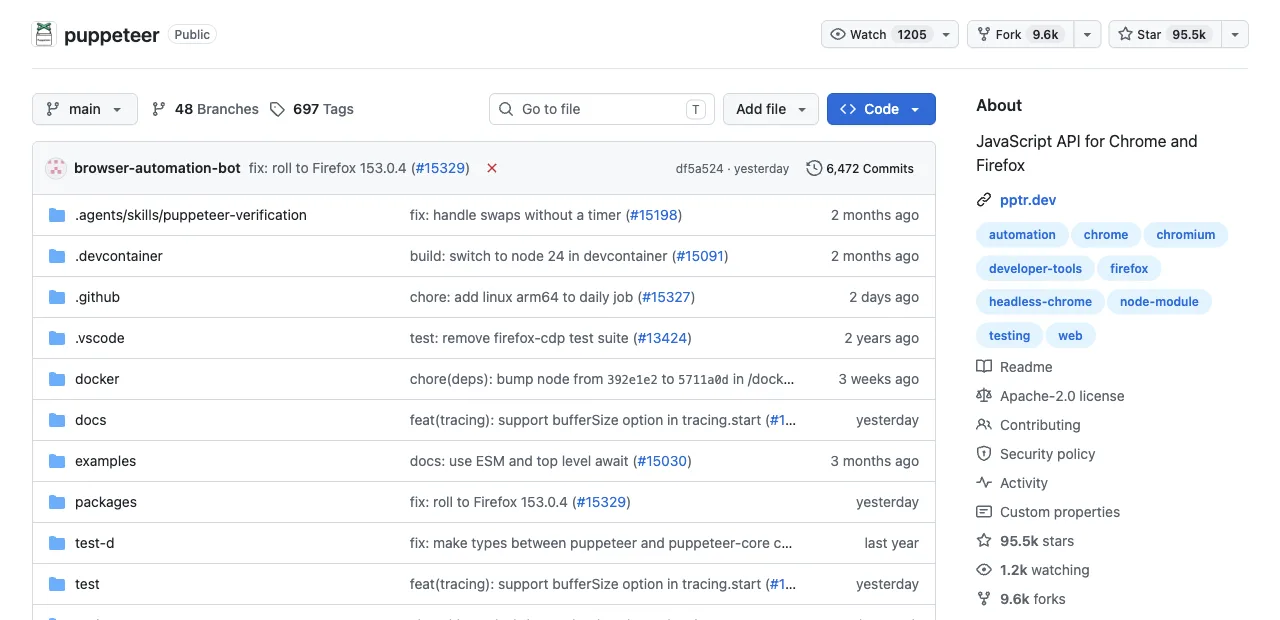
Puppeteer is the Chrome DevTools team's browser automation library, shipped by Google in 2017: JavaScript/TypeScript, Chrome-first, with stable Firefox support since v23 through WebDriver BiDi, some unsupported BiDi features, and no WebKit. It has 94K+ GitHub stars and the longest scraping track record in the category.
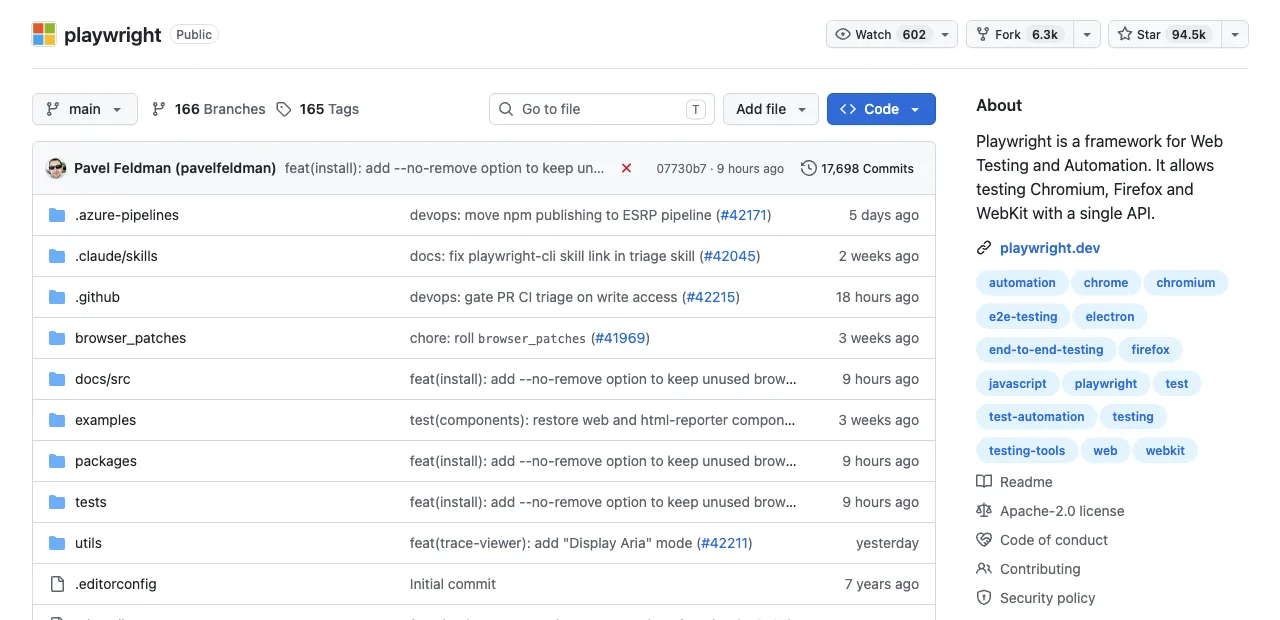
Playwright is Microsoft's 2020 follow-up, built by engineers who previously built Puppeteer: Chromium, Firefox, and WebKit with full parity, official APIs in JavaScript, TypeScript, Python, Java, and C#, and 90K+ stars of its own. Same lineage, wider surface.
That shared ancestry is why switching costs are low: practitioners point out the APIs are similar enough that a thin facade lets purpose-built scrapers swap between them cheaply. Which means the differences that remain are the ones that were designed on purpose, and those are the ones worth reading closely.
What do the timed benchmarks actually show?
The most useful public benchmark ran Puppeteer 24.43 and Playwright 1.59 through identical operations on identical cloud browsers, reporting medians over 10 runs. Read the bars, then the explanation, because the biggest number is misleading on its own.
Median operation times: Puppeteer vs Playwright (ms)
Lower is better; medians over 10 runs on identical remote browsers
The benchmark's own verdict: neither is faster overall. Puppeteer connects about 3 seconds quicker and screenshots in a third of Playwright's time; Playwright navigates faster and wins interactions hugely. Medians over repeated runs matter here, because single-run comparisons in this space routinely flip on network noise.
And that 50x typing gap deserves its asterisk: it's API design, not engine speed. Puppeteer's page.type() sends one round trip per character (brutal against a remote browser), while Playwright's fill() sets the value in a single call. Local scraping shrinks the gap; remote browser farms amplify it. For scraping specifically, the lesson is that your operation mix and your browser's location matter more than the logo.
Benchmarks measure APIs, not brands.
Which differences decide scraping outcomes?
Three dimensions do the real deciding, and the table states each tool's limit alongside its strength.
| Dimension | Puppeteer | Playwright |
|---|---|---|
| Waiting behavior | Locators auto-wait for presence and actionability; lower-level waitForSelector and ElementHandle flows need explicit readiness checks | Locator actions auto-wait for relevant actionability checks; application outcomes still need assertions |
| Stealth ecosystem | puppeteer-extra-plugin-stealth is the mature classic; masks webdriver flags and headless markers | playwright-extra ports the classics, and the current generation (Camoufox, Patchright) supports Playwright only |
| Coverage | Chrome-first, JS/TS only; stable Firefox via BiDi since v23 with unsupported features, no WebKit | Three engines, five official languages; Microsoft maintains patched Firefox/WebKit builds |
Both Puppeteer locators and Playwright locators wait for relevant element conditions. Neither proves the resulting data was saved or the next page of results finished loading; check the application's observable state separately.
One more scraping-relevant difference the table can't hold: parallelism. Playwright's browser contexts provide isolated, cookie-separated sessions inside one browser process; Puppeteer also supports incognito contexts. Actual throughput and isolation depend on browser version, page complexity, memory, concurrency, and the provider, so benchmark a representative workload instead of assuming one context count will fit every fleet.
If your roadmap says "200 concurrent sessions," compare context support, memory, queueing, and provider limits before choosing; the framework alone does not make that concurrency safe or economical.
Which should you use for scraping?
By scenario, matching where each tool's design actually pays:
Consider Puppeteer when the job is Chrome-only, high-volume, and screenshot- or PDF-heavy: its measured connection and screenshot times may fit that operation mix. Do not treat a community stealth plugin as a guarantee of access.
Pick Playwright when flows are complex or dynamic and its locator assertions and tracing fit your workflow, when you need WebKit coverage, when your team writes Python or Java, or when your anti-detection plan involves the current fork generation. Puppeteer Locators also auto-wait, so test the actual flow before attributing reliability to the library alone.
If you're starting from zero in 2026 with no constraint pushing either way, Playwright is a reasonable default when multiple engines, languages, and complex waits matter. Validate the choice against your target sites and deployment constraints.
A worked example of the split: a price monitor screenshotting 500 product pages nightly on Chrome is a Puppeteer-shaped job (captures dominate, flows are trivial).
A job-listing aggregator navigating search filters, infinite scroll, and modal dialogs across 30 sites is Playwright-shaped (interaction-dense, flake-prone, benefits from auto-waiting and contexts). Most teams' scraping portfolios contain both shapes, which is why both tools are still here.
What about scraping behind logins?
Here both tools hand you the same homework: they launch clean browser instances, so authenticated scraping means scripting logins, persisting cookies, and re-doing it when 2FA or session expiry breaks the script. Correct for scraping other people's sites at scale with test accounts; pure overhead when the data you want sits behind your own logins (your vendor portals, your dashboards, your communities).
That second case is where a browser built for humans and agents to share, such as ego(lite), can fit: it imports your Chrome profile so the agent inherits your real signed-in state, which means CAPTCHA interruptions come up noticeably less often, though sites may still require them. Session expiry, MFA, and permissions still depend on configuration.
When a small job needs the browser context you already own, scraping Amazon product data with an AI agent shows the visible-session alternative to a separate script runtime. The page still has to display the data and permit the task.
This shape of scraping is what Real-World Bench tests: 31 tasks against live production sites, several behind logins, like pulling a week of engagement metrics from x.com/OpenAI in a signed-in session (top 5 posts by views, excluding pinned posts, reposts, and replies), or mining an Amazon product's reviews for complaint keywords through the review section's search box. On it, ego(lite) was 47% to 63% faster than the other four tools measured, finishing 93.5% of 31 tasks perfectly at an average model cost of $1.64 per task, which works out to $1.75 per completed task ($1.64 ÷ 93.5%). The harness and dataset are public at citrolabs/ego-browser-benchmark-framework.
Here's that CLI call in practice, from a recorded ego-browser session against a live page: a task space opens, navigates, and hands back exactly the fields asked for, not a page dump. The page below is public rather than login-gated, so it can't show the session-inheritance part directly, but the shell call and the compact, targeted return are the same mechanism a scrape against a signed-in portal would use.
ego-browser nodejs <<'EOF'
const task = await egoBrowser.newTaskSpace('evidence-egobrowser-hn')
console.log({ taskSpaceId: task.id })

await task.page.goto('https://news.ycombinator.com/', { waitUntil: 'load', timeout: 20000 })
const title = await task.page.title()
const topStory = await task.page.locator('.athing .titleline > a').first().innerText()
const points = await task.page.locator('.subtext .score').first().innerText().catch(() => null)
console.log({ title, url: task.page.url(), topStory, points })
EOF

# Real output:
{
  "taskSpaceId": 13
}
{
  "title": "Hacker News",
  "url": "https://news.ycombinator.com/",
  "topStory": "Qwen 3.8 27B",
  "points": "412 points"
}
This can reduce login scripting for a session you explicitly provision, but it does not eliminate cookie maintenance, re-authentication, or detection. A real browser profile is not a promise that a site will allow automation or that its signals will be ignored.
It won't replace Puppeteer or Playwright for scale-out public scraping in CI; it replaces the auth-maintenance half of your scraping life.
Why can normal Playwright or Puppeteer browsing trigger anti-bot checks?
Anti-bot systems evaluate more than a user-agent string: request rate, IP reputation, browser signals, cookies, navigation patterns, and whether the account is allowed to automate. A normal Playwright or Puppeteer run can therefore receive a challenge or 403 even when the page works manually. The result is an access boundary, not an invitation to defeat the site's controls.
- Use the site's supported path. Prefer an official API, export, feed, or licensed provider. For public HTML, identify yourself where the service asks, respect terms and robots guidance, and keep request rates conservative.
- Stop on a challenge. Record the status and URL, back off, and route to a human or approved alternative. Do not add CAPTCHA solving, fingerprint spoofing, proxy rotation, or identity cycling as a promise of access.
- Separate your own account work. For data you are authorized to see, a supported real-browser session can avoid scripted password storage, but it still cannot guarantee that the service permits automation.
How should production scrapers handle CAPTCHA and proxies?
Design CAPTCHA and proxy failures as explicit stop states. A production scraper should have a bounded retry, a queue pause, a human-review route, and an approved data-source fallback; it should not silently switch identities until a challenge disappears. Proxies can change latency, geography, and failure rate, but they do not change the site's terms or make protected access authorized.
- Classify the response. Treat temporary 5xx and network timeouts differently from 401/403, CAPTCHA, account warnings, or a robots/terms denial.
- Keep a per-origin budget. Limit concurrency and requests per host, add exponential backoff, and persist a cursor so a paused job can resume without duplicates.
- Measure accepted data. Track valid records, challenge rate, proxy cost, retry count, and manual recovery—not just HTTP success.
How do you handle logged-in social-media scraping responsibly?
Use logged-in sessions only for accounts and data you are authorized to access, and prefer an official export or API for recurring social-media work. If a browser is required, complete login and MFA yourself in an isolated profile, minimize collection, and keep actions read-only where possible. A real session reduces password scripting; it does not remove platform rules, rate limits, or account-restriction risk.
- Keep session state local and scoped. Do not put cookies, storage state, OTP inboxes, or recovery codes in a scraper repository or shared worker. Use one profile per account and revoke it when the job ends.
- Respect the platform's boundary. Stop on CAPTCHA, 403, account warnings, or unusual-activity messages. Do not add “undetected” drivers, identity rotation, or human-behavior scripts to evade enforcement.
- Audit the output. Store only fields you need, redact personal data, and record source, timestamp, and authorization so another person can verify the result.
When should you choose Playwright, Puppeteer, or Scrapy?
Choose Scrapy when pages are mostly static and crawl throughput matters; choose Playwright when you need multiple engines, official non-JavaScript languages, or complex waits; choose Puppeteer when your team is Chrome-first and wants a focused JavaScript API. Many production stacks combine them: HTTP or Scrapy for discovery, a browser for the small dynamic subset, and a queue for retries and validation.
| Tool | Best fit | Trade-off |
|---|---|---|
| Scrapy | Static HTML and high-throughput crawls | No browser-rendered state without an add-on |
| Playwright | Dynamic flows, multi-browser, Python/Java/C# | Heavier runtime and browser resource use |
| Puppeteer | Chrome-first JavaScript or TypeScript | Narrower official language and engine coverage |
Do not choose on a single benchmark or GitHub star count. Measure your expensive operation—navigation, typing, screenshots, memory, valid rows, or manual recovery—on representative pages and account states.
How do you handle different HTML structures and wait states?
Normalize each site's structure behind a small adapter and make readiness explicit. Use semantic locators or stable data attributes, scope them to a component, assert uniqueness, and wait for hydration, a response, a row, or an enabled control. Keep the raw HTML or a redacted excerpt with the parser version so a layout change is diagnosable.
- Discover the actual state. Inspect the rendered DOM and network response after the page settles; do not assume the server HTML contains the data.
- Wait on meaning. Wait for a named selector, expected text, response, or count rather than a fixed sleep. Handle empty, loading, blocked, and error states separately.
- Validate every adapter. Run fixtures and a small live sample after a redesign. Fail loudly when a required field disappears instead of emitting a partially shaped row.
Which browser scraper uses less CPU and memory?
Neither Playwright nor Puppeteer is categorically lighter: browser version, page complexity, concurrency, screenshots, video, and context count dominate. Puppeteer can be a good Chrome-first choice for a small script; Playwright's browser contexts can make many isolated sessions easier to manage. Measure peak RSS, CPU time, navigation latency, and valid throughput under your real concurrency.
- Reduce browser work first. Block unnecessary images and video where policy allows, avoid screenshots unless needed, reuse a browser process, and close contexts promptly.
- Bound concurrency. Use a queue and per-origin limit. More workers can increase throughput until memory pressure, rate limits, or validation work becomes the bottleneck.
- Choose the smallest capable runtime. Use Scrapy or an HTTP client for static pages and reserve a full browser for JavaScript-rendered or authorized interactive work.
How do you scrape JavaScript-rendered and dynamic content?
Use a browser when the data is created after JavaScript executes, then wait for a named state instead of sleeping for a guessed number of seconds. Playwright's auto-waiting and locator assertions are a strong default for dynamic pages; Puppeteer Locators also auto-wait for actionability. Your script must still define what completed data looks like. Neither tool guarantees that a virtualized list, canvas, or client-only state is complete.
- Wait for the data, not the load event. Wait for a stable locator, response, row count, or application state. Record the query, cursor, locale, and timestamp.
- Use network data when authorized. If the page calls a documented API, collecting that structured response can be faster and less brittle than parsing rendered text. Do not infer that an internal endpoint is public or permitted.
- Verify lazy and virtualized content. Scroll or paginate deliberately, detect repeated cursors, and compare the returned count with the visible and expected ranges.
How should you approach government portals with no API?
Treat a government portal as a public-service interface with its own terms, rate limits, accessibility needs, and availability—not as an unrestricted data dump. Start with the agency's bulk download, open-data catalog, RSS feed, or documented API. Use Playwright or Puppeteer only for an authorized, small-volume workflow where the portal has no practical structured route and the result can be reviewed.
- Discover the official source. Look for a CSV, JSON, XML, tender feed, or records-request process before automating clicks.
- Build for slow and partial pages. Use long but bounded timeouts, checkpoint each page or document, validate downloaded files, and preserve the source URL and retrieval time.
- Stop when access is challenged. Do not bypass CAPTCHA, WAF, login, or rate limits. Contact the agency or use its approved access method.
See ego(lite) vs Puppeteer or ego(lite) vs Playwright, or download ego(lite) for Mac, free.
FAQ
Is Playwright faster than Puppeteer?
Not overall. On timed medians, Puppeteer connects faster (~8.1s vs ~11.1s) and screenshots faster (276ms vs 836ms), while Playwright navigates faster (582ms vs 945ms) and completes form interactions dramatically faster. Your operation mix decides which wins for you.
Which is better for avoiding bot detection?
Puppeteer has a mature community stealth plugin; the newer anti-detection forks practitioners currently discuss, Camoufox and Patchright, support Playwright only. Neither escapes the shared ceiling: Cloudflare-class systems can evaluate CDP and other browser signals, so both tools may still be challenged.
Can I use Puppeteer with Python?
Not officially. Pyppeteer is an unofficial port that lags releases with inconsistent maintenance; Playwright ships an official Python API with full feature parity, which is the practical answer for Python scraping teams.
Which is better for large-scale scraping?
Practitioner opinion splits, and the honest synthesis is: Puppeteer for high-volume single-browser Chrome fleets where its lighter footprint and faster captures compound, Playwright when scale means many isolated parallel sessions (browser contexts) or many sites with complex flows. Measure your own bottleneck operation before committing either way.
Is Puppeteer still actively maintained?
Yes: it's maintained by Google's Chrome DevTools team and tracks Chrome releases closely. Star counts and release cadence are useful context, but they do not prove that one tool is better for every scraping workload.
Is there a benchmark for scraping-style tasks on real sites?
Real-World Bench runs 31 tasks on live production sites (X, Amazon, Zillow, YouTube, government data portals), with the same model and the same independent judge for every tool, and each task graded on up to 6 binary rubrics (154 across the 31 tasks). In that benchmark configuration, ego(lite) completed 93.5% of 31 tasks perfectly at $1.64 average model cost per task, or $1.75 per completed task ($1.64 ÷ 93.5%), and averaged 398 seconds per task. No Puppeteer route was benchmarked; the closest measured relative of Playwright is playwright-cli, the official CLI, not the library itself. These results are not a head-to-head verdict for every Playwright or Puppeteer scraper. The harness and dataset are open in the ego-browser-benchmark-framework repo if you want to add a route.
Do Playwright or Puppeteer work for scraping logged-in sites?
Yes, with scripted logins and persisted storage state that you maintain forever. For sites where the login is your own, a browser that imports your Chrome profile and hands the agent your real sessions, like ego(lite), removes that maintenance; keep the scripted approach for test accounts and third-party targets.