Playwright vs Puppeteer for PDF generation

Playwright and Puppeteer both expose Chromium PDF generation, including tagged output and document outlines. Choose by supported language, deployed browser version, explicit print options and the document checks you need. Matching the engine alone does not guarantee identical PDFs. Both frameworks can use configured authentication state; ego(lite) is another route when you need to review and export an already-open signed-in page.
Teams generating thousands of invoices, reports, and certificates daily keep landing on the same architecture: design in HTML and CSS, render to PDF in a real browser. Flexbox, Grid, web fonts, and designer handoff all come free.
Why does the shared print engine matter?
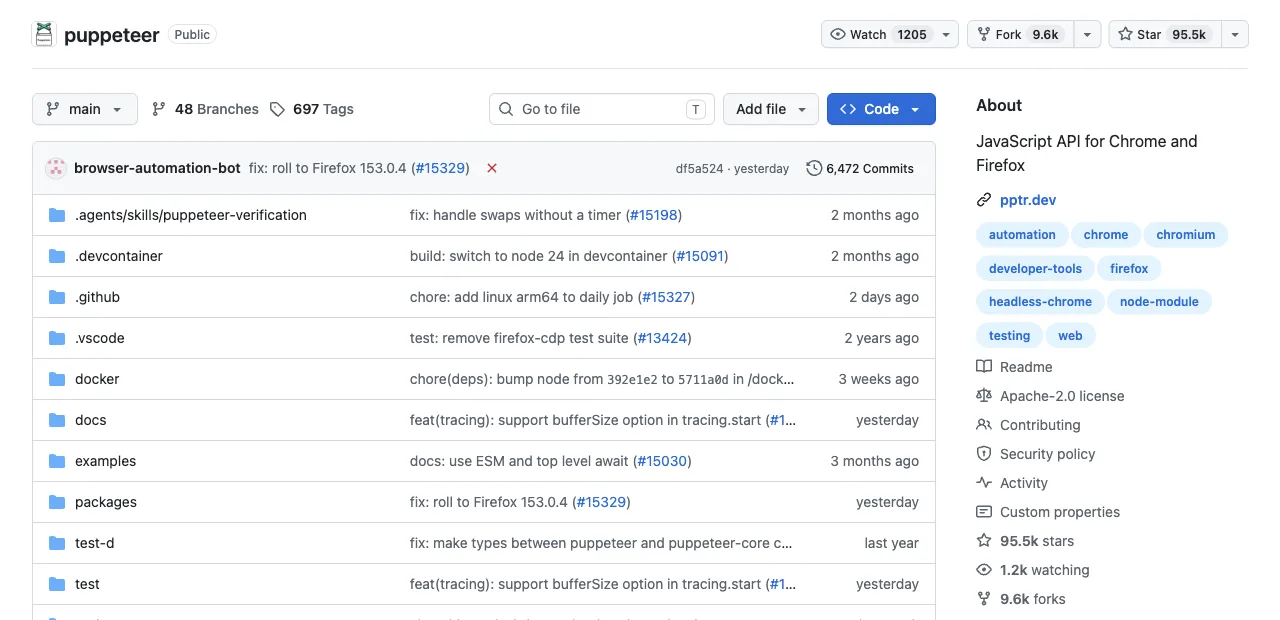
Both libraries send the same underlying command to the same renderer: Chromium lays the page out with print CSS media and produces the PDF. Playwright's docs describe the behavior plainly: page.pdf() generates a pdf of the page with print css media, and if you want the screen appearance instead, you call emulateMedia({ media: 'screen' }) first. Same story on the Puppeteer side.
Two shared quirks follow from that shared engine, and knowing them saves an afternoon each. First, colors: by default the engine prints with modified colors, and -webkit-print-color-adjust: exact is how you force your brand colors onto paper. Second, sizing: preferCSSPageSize lets your CSS @page rule win over the format option; leave it off and content scales to the paper size instead.
If you were hoping one tool would fix your page-break bugs: it won't, because the page breaks come from the same engine either way. Fix them in CSS once and both tools benefit.
Worth knowing what print media actually changes, since it surprises every first-time render team: screen-only styles vanish, print-specific rules activate, and layout reflows to the paper width rather than your viewport. If your invoice template was only ever tested in a browser tab, the first pdf() call is a genuinely different render, in both tools equally. Budget a styling pass against the print output itself.
A shared print engine narrows the comparison; it does not replace document acceptance checks.
How do the PDF APIs compare, option by option?
Read this table for the overlaps first; the two rows that differ are where the decision hides.
| Capability | Puppeteer | Playwright |
|---|---|---|
| Paper formats and custom sizes | Letter through A6, width/height with units | Same range, same unit handling (px, in, cm, mm) |
| Header/footer templates | HTML templates with date, title, url, pageNumber, totalPages classes | Identical template system, identical limits (no script evaluation, page styles invisible inside templates) |
| Backgrounds, ranges, scale | printBackground, pageRanges, scale 0.1-2 | Same three, same defaults |
| Accessible (tagged) PDFs | tagged: true supported; experimental, on by default | tagged: true, added v1.42; off by default |
| Embedded document outline | outline: true supported; experimental, off by default | outline: true, added v1.42 |
Both libraries expose these options. Puppeteer 25.16.0 documents tagged output as enabled by default and outline as disabled; Playwright documents both as disabled by default. Tagged output is an input to an accessibility review, not a PDF/UA conformance certificate.
For calibration, the minimal render is near-identical in both. Puppeteer:
const browser = await puppeteer.launch()
const page = await browser.newPage()
await page.setContent(invoiceHtml, { waitUntil: 'networkidle0' })
await page.pdf({ path: 'invoice.pdf', format: 'A4', printBackground: true })
And Playwright, with tagged output and outlines explicitly enabled:
const browser = await chromium.launch()
const page = await browser.newPage()
await page.setContent(invoiceHtml, { waitUntil: 'networkidle' })
await page.pdf({ path: 'invoice.pdf', format: 'A4', printBackground: true,
  tagged: true, outline: true })
Which differences actually decide it?
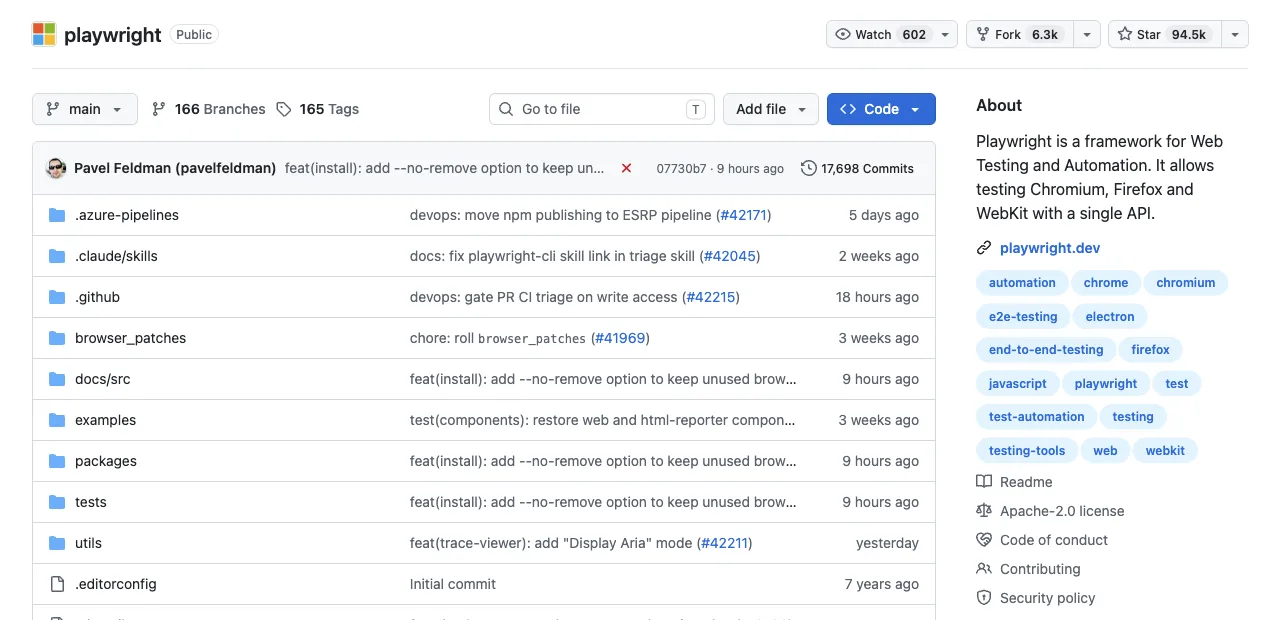
Three, in descending order of how often they settle the choice.
1. Your service's language. Puppeteer is JavaScript/TypeScript only, and Pyppeteer (the unofficial Python port) lags releases with inconsistent maintenance. Playwright ships official, parity-complete APIs for JavaScript, Python, Java, and C#. A Django or Spring service that renders PDFs picks Playwright by default, and no benchmark needs consulting.
2. Compliance and accessibility needs. Both frameworks can request tags and outlines directly. Check the documentation for your installed version, enable the needed options explicitly, and validate reading order and accessibility separately from visual appearance.
3. Existing code and muscle memory. Puppeteer has rendered invoices since 2017, and the internet's supply of HTML-to-PDF recipes, gotcha posts, and Stack Overflow answers skews heavily toward it. A Node shop with a working Puppeteer render pipeline gains nothing from migrating; the engine on the other side is the same one.
What about wkhtmltopdf?
It comes up in every PDF thread, so: wkhtmltopdf renders with a Qt WebKit engine that stopped tracking the modern web years ago. Practitioners' consistent report is that it's too outdated for modern CSS, and that page breaks plus Flexbox or Grid layouts are precisely where it falls apart, which are precisely the layouts you chose HTML for.
It still serves legacy pipelines rendering legacy templates; for anything designed this decade, the real decision is the one this article covers.
Old engine, old CSS, old problems.
What about one-off exports from logged-in pages?
Generating your own HTML differs from exporting an existing vendor invoice portal or signed-in report. Either framework can use configured authentication state or an authorized browser connection. You still need to identify the intended account, protect its session data and check that the export contains the requested record.
For a page already available in the chosen signed-in browser environment, ego(lite) can reduce separate login setup and make the source review visible. Expired sessions and account mismatches still require a check. Exported print layout can differ from the screen, so inspect the PDF after printing.
The agent side of that mechanism is measured in the open: on Real-World Bench (a 31-task suite against live sites, same model and same judge for every tool), ego(lite) was 47% to 63% faster than the other four tools measured, finishing 93.5% of 31 tasks perfectly at $1.64 average model cost per task, or $1.75 per completed task ($1.64 ÷ 93.5%). One of its tasks is document work of exactly this flavor: running Bankrate's compound savings calculator and filing the results into an online spreadsheet. Harness and dataset:citrolabs/ego-browser-benchmark-framework.
The October 27 local export used the installed ego-browser API below. It operates an owned synthetic invoice page, waits for its heading, calls Chromium Page.printToPDF and writes the returned bytes. The output path must be absolute. The separate validation section checks those bytes; printing alone does not establish that the job is complete.
ego-browser nodejs <<'EOF'
const fs = await import('node:fs/promises');
const task = await taskSpace('Owned PDF export');
console.log({ spaceId: task.spaceId });
const page = task.page('p1');
await page.goto('http://127.0.0.1:3033/report');
await page.waitForSelector('h1');
const pdf = await page.cdp('Page.printToPDF', {
  printBackground: true,
  preferCSSPageSize: true,
  generateTaggedPDF: true,
  generateDocumentOutline: true
});
await fs.writeFile('/absolute/output/correct.pdf',
  Buffer.from(pdf.data, 'base64'));
await task.finish({ keep: [] });
EOF
Wrong tool for rendering ten thousand invoices from your own templates; right tool for "grab this month's statements from the four portals I'm signed into."
Download ego(lite) for Mac, free, or see ego(lite) vs Puppeteer.
How do you render dynamic pages and charts reliably?
Wait for the application state, not an arbitrary timeout. After navigation, wait for the chart or React component to report its loaded state, call document.fonts.ready, and verify that images and data requests have completed before page.pdf(). For Chart.js or canvas output, capture after the final animation frame and use print CSS to set a deterministic size.
Production renderers should bound page and browser lifetimes, reuse a small browser pool, and record the HTML version, Chromium version, viewport, fonts, and wait condition with every file. A cold-start crash or memory spike is an operational problem shared by Playwright and Puppeteer, not a reason to hide missing content with a longer sleep.
Why do automated PDF workflows produce blank or broken files?
Blank PDFs usually mean the export ran before the form data, fonts, images, or client-side render finished. Broken Zapier-style attachments often come from a test payload that differs from the live webhook, an expired temporary URL, or a step that returns before the PDF bytes are available. Log the input ID, final URL, response content type, byte count, and renderer error.
Make the workflow idempotent: validate required fields, render from a versioned template, wait for a known ready signal, and validate the exported document before attaching it. A checksum identifies bytes and a nonzero size catches an empty file; neither proves that the correct invoice and all pages were exported.
Validate the exported document before attaching it
A download event proves that a download started. A saved file proves that bytes reached disk. The export contract still needs the expected document ID, page count and totals, followed by a visual review for clipping, missing fonts and blank pages. Arm the download listener before clicking when the application downloads a file; use the returned bytes when you call page.pdf() directly.
Follow Playwright download waiting and saving and compare current Puppeteer PDF options with Playwright page.pdf() options.
On October 27, 2026 we checked four deliberately constructed local outputs, one per condition. ego-browser printed two synthetic invoice pages through Chromium Page.printToPDF. We then made a one-page derivative and saved an HTML error body with a .pdf extension. Strict pypdf 6.10.0 parsing, exactly two pages, invoice ID INV-20261027 and total USD 125.00 formed the acceptance contract.
| Local condition | Nonempty file | Document verdict |
|---|---|---|
| Correct synthetic invoice | Yes; 2 parsed pages | Accepted: expected ID, total and page count matched. |
| Different invoice ID | Yes; 2 parsed pages | Rejected: valid PDF and correct total, wrong record. |
| Second page missing | Yes; 1 parsed page | Rejected: expected ID and total, incomplete document. |
| HTML error named .pdf | Yes; 60 bytes | Rejected before parsing: no PDF header. |
The three negative files all passed a nonzero-size check. Only the intended two-page invoice passed the full mechanical contract. We rasterized and visually inspected both correct pages as a separate layout check. This small fixed-script fixture tests our validator; it does not compare framework quality, certify accessibility or measure a model or production login workflow.

Download the four PDF fixtures, validator and reproduction recipe. For a one-off export behind your existing login, ego(lite) can expose the source page and browser export for review. Apply the same document checks afterward; a visible source page does not certify the downloaded file, and high-volume or cross-browser CI still belongs in your chosen framework.
What lightweight HTML-to-PDF alternatives avoid Chromium?
Non-Chromium engines can be a good fit for simple, static documents: a server-side PDF library, a vector renderer, or a language-specific HTML-to-PDF gem can start faster and use less memory. They often support fewer modern CSS features, JavaScript behaviors, web fonts, and iframe-based content than a current browser.
Choose a lightweight renderer when your template is stable and you control the CSS. Choose Playwright or Puppeteer when fidelity to a live web page, charts, client-side data, or print CSS matters. Benchmark representative invoices and page breaks before committing to either path.
Should the final PDF use a fixed template or AI-generated layout?
Use a versioned HTML/CSS template for invoices, certificates, statements, and any document with legal, financial, or brand requirements. Let AI help draft copy, map fields, or propose a layout, but validate the final values, page breaks, accessibility tags, and approval status before generating the file.
An agent-driven browser export is useful for a one-off report from a page you already opened, especially when the data is behind your login. Keep the source URL and timestamp with the PDF, redact private data before sharing, and never treat an unreviewed AI layout as an authoritative record.
How should you compare pay-per-use PDF APIs with self-hosting?
Compare total cost per successful PDF, not only the advertised render price. Include browser cold starts, compute, storage, retries, queueing, observability, and the engineering time to keep templates and Chromium versions healthy. Pay-per-use APIs reduce operations for bursty workloads; self-hosting wins when volume is steady and data must stay inside your network.
Ask each provider about page limits, fonts, JavaScript support, retention, regional processing, and SLA. For a small local export from an authenticated page, a visible browser workflow may be cheaper than adding a subscription; for thousands of scheduled documents, a managed API or worker pool is usually easier to operate.
How do Django, Ruby, and other frameworks fit this choice?
Keep PDF generation at the edge of your application: render a framework template to a stable URL or HTML string, then hand it to Playwright or Puppeteer in a worker. Django teams commonly pair a Python Playwright service with their templates; Ruby teams may use a gem or a Node render worker. The important contract is deterministic input, ready-state signaling, and a streamed PDF response.
Test external CSS, images, fonts, and print media from the same deployment environment used in production. Pin the browser version, pass a correlation ID through the job, and retain only the minimum document data needed for retries and audit.
FAQ
Is Playwright or Puppeteer better for PDF quality?
Both use Chromium PDF printing, but engine family alone does not establish equal output. Compare the same browser version, fonts, print CSS, readiness signal and options. Both offer tags and outlines; validate the exported bytes and rendered pages before choosing.
Why do my PDF colors look washed out?
Both tools print with modified colors by default, per print conventions. Add -webkit-print-color-adjust: exact to your CSS and enable printBackground for background graphics; that combination restores brand colors in either tool.
Can I generate a PDF that looks like the screen, not print view?
Yes: call emulateMedia({ media: 'screen' }) (Playwright) or its Puppeteer equivalent before pdf(), otherwise the render uses print CSS media and your screen-only styles vanish.
Which is faster for PDF generation at scale?
No trustworthy public benchmark separates them on the pdf() call itself, and given the shared engine, a large gap would be surprising. The costs that actually dominate at scale are browser launch, page setup, and font loading, all of which respond to pooling and reuse identically in both tools. Optimize the lifecycle before believing any per-call speed claim.
How do I add page numbers and headers to the PDF?
Set displayHeaderFooter: true and supply headerTemplate/footerTemplate HTML using the built-in classes (date, title, url, pageNumber, totalPages); a span with class pageNumber renders the current page. Two documented limits apply in both tools: script tags inside templates aren't evaluated, and your page's styles aren't visible to templates, so inline the template's own styling.
Should I still use wkhtmltopdf in 2026?
Only for maintaining pipelines built on it. Its dated WebKit engine mishandles modern CSS, with page breaks and Flexbox/Grid the recurring casualties; new work belongs on a Chromium-based renderer through either library here.