Playwright MCP vs Puppeteer for Claude Code


The short answer, before anything else: for Claude Code, pick Playwright. Its MCP server is first-party and actively maintained by Microsoft while Puppeteer's reference MCP server is deprecated on npm, and its auto-waiting gives agent-written code a lower flake rate. Puppeteer still wins Chrome-specific, screenshot-heavy scripting and codebases that already standardized on it, and ego(lite) still wins tasks behind your own logins.
Most Playwright-vs-Puppeteer articles compare them for humans. Point them at Claude Code and the question changes shape, because an agent doesn't care about your API preferences; it cares about what's maintained, what it can write reliably, and what its tools support.
What's the deciding fact for Claude Code?
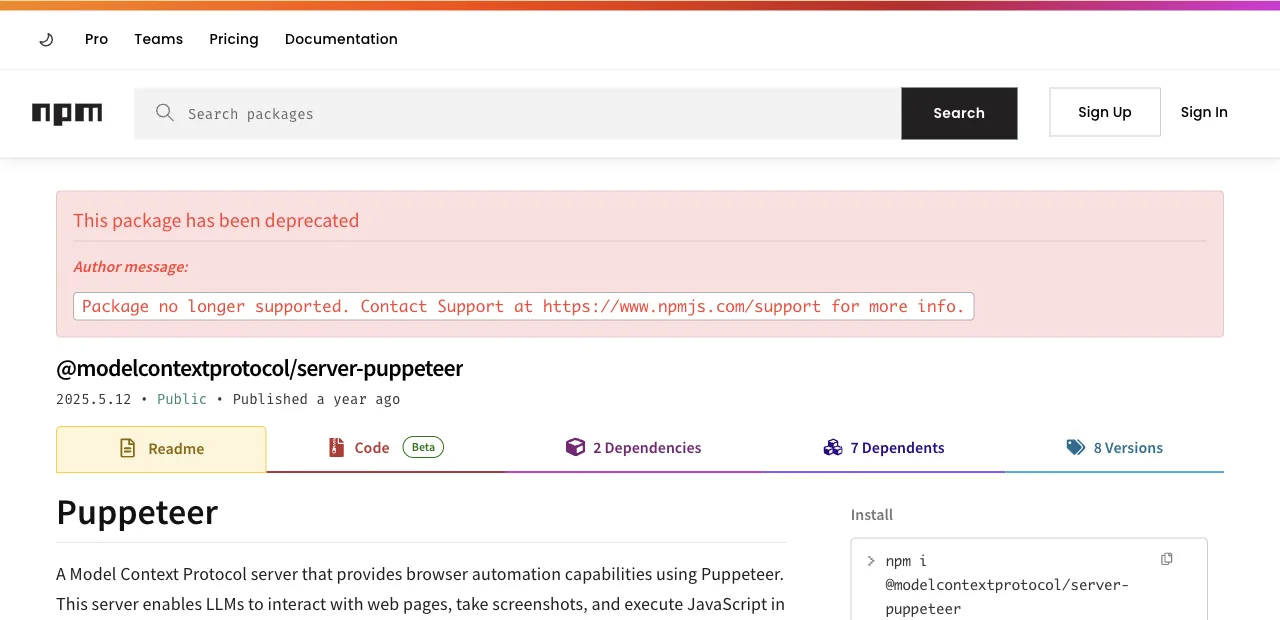
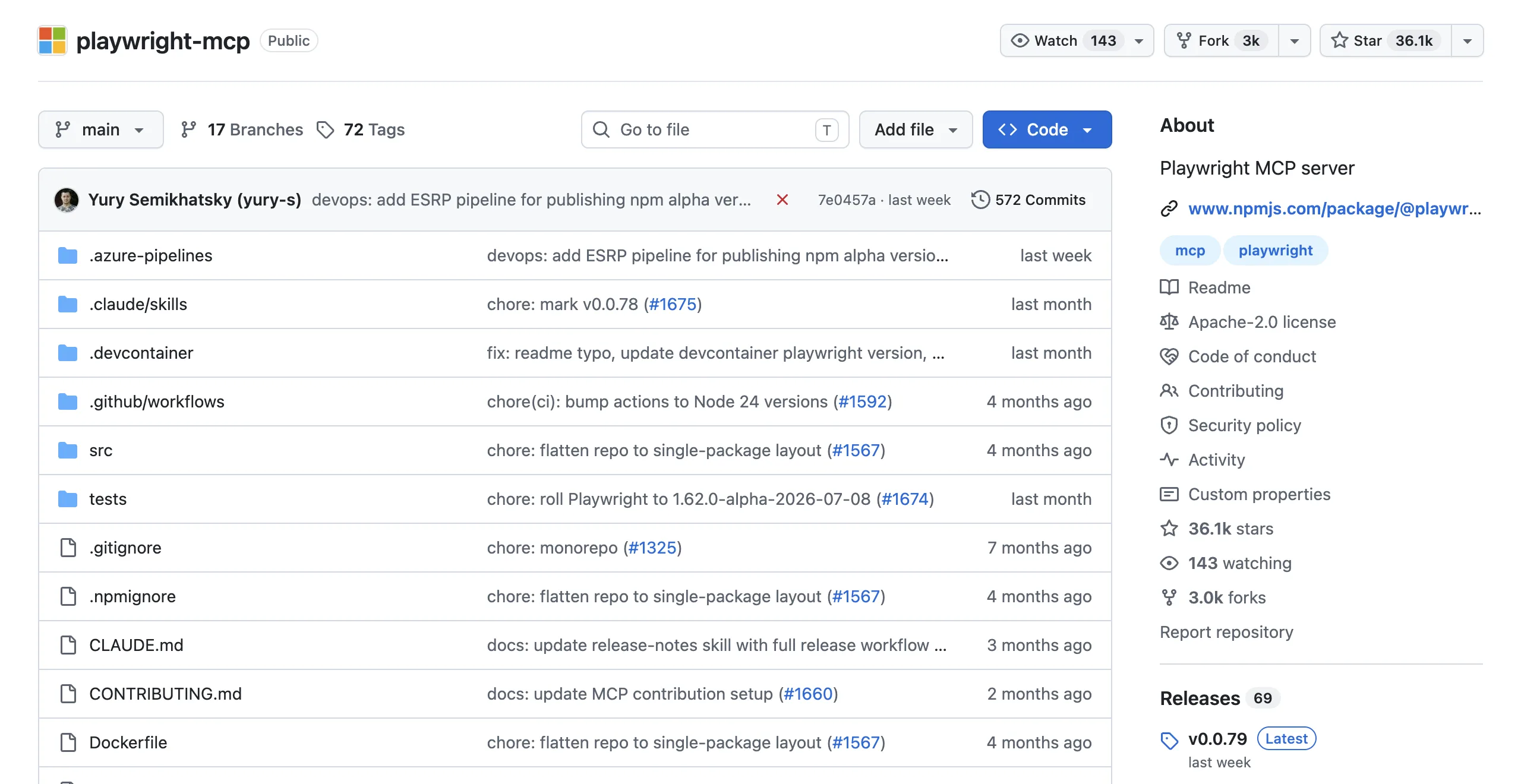
If Claude Code will drive the browser through MCP tools, the ecosystem has already voted. Playwright MCP (@playwright/mcp) is published and maintained by Microsoft's Playwright team, installed with one line, documented per client. Puppeteer's reference MCP server is marked deprecated on npm, with community forks as the only continuation.
A deprecated dependency at the center of an agent toolchain is a maintenance liability, and the testmuai comparison of the two stacks said exactly that: if an agent drives the browser through MCP, pick Playwright, because its server is first-party and maintained. It's rare for a versus question to have this clean an answer at one layer.
What deprecation means in practice, since the package still installs: no security patches tracked to new Chrome releases, no fixes when the MCP spec moves, and community forks whose maintenance you audit yourself. For a tool that holds a browser session on your machine, each of those is disqualifying alone.
At the MCP layer, there's no contest to write about.
What are the two ways Claude Code drives a browser?
The MCP route is only half the story, though. Claude Code is a coding agent, and a popular r/ClaudeCode thread put the other half bluntly: having Claude Code use Playwright directly, by writing automation scripts against the JavaScript API, is "vastly superior" to the MCP for many workflows, because the verbose per-step snapshots disappear and the agent just writes code.
That's the real fork for this comparison:
| Route | How it works | Playwright or Puppeteer? |
|---|---|---|
| MCP tools | Agent calls browser tools step by step; page snapshots return into context | Playwright, by forfeit: its server is maintained, Puppeteer's reference server isn't |
| Agent-written code | Agent writes a script with the library, runs it, reads results; nothing per-step enters context | Both work; Playwright's auto-waiting gives agent-written code a lower flake rate (next section) |
Notice the second route is also the token-efficient one: it's the same insight behind the official Playwright CLI, which cut a 114K-token MCP test run to 27K by moving execution out of the conversation. When Claude Code writes the script, your context holds code and results, not accessibility trees.
The transcripts look completely different too. An MCP session reads as forty tool calls, each trailing a page snapshot; a code session reads as one script, one run, one results block. When something breaks, the second transcript is the one you can actually scroll.
Why does auto-waiting matter more for agents?
Here's the underrated part. Puppeteer requires explicit waiting: forget a waitForSelector({visible: true}) before a click and you've written a script that passes today and flakes Friday. Human seniors internalize this; coding agents, like juniors, omit waits under exactly the conditions that produce them: unfamiliar pages, long scripts, hurried context.
Playwright's auto-waiting closes that class structurally: every action runs actionability checks (element attached, visible, stable, enabled) before executing. An agent that writes a naive Playwright script gets correct waiting for free; the same naive Puppeteer script is a latent flake. When the code author is a model you'll prompt again tomorrow, defaults beat discipline.
The two-line version of the difference:
// Puppeteer: correct only if the agent remembers the wait
await page.waitForSelector('#submit', { visible: true })
await page.click('#submit')

// Playwright: the wait is built into the action
await page.click('#submit')
There's a debugging dividend too: fewer flaky failures means fewer rounds of Claude Code re-running and re-diagnosing its own scripts, which is where agent browser sessions quietly burn their budgets. A flake the agent writes at step 3 costs you the re-run, the re-diagnosis, and sometimes a wrong fix to code that was never broken.
Defaults are prompts you don't have to write.
When does Puppeteer still win?
Three real cases, so this doesn't read like a eulogy.
Your codebase already runs Puppeteer: Claude Code works with what's in the repo, and its training covers Puppeteer deeply; consistency beats migration for existing automation.
The task is Chrome-only and screenshot- or PDF-heavy: Puppeteer's screenshot median (276ms vs Playwright's 836ms) compounds over hundreds of captures, and its PDF pipeline is battle-tested. And minimal-dependency scripting: for a quick Chrome-only script, Puppeteer's smaller footprint is genuinely pleasant.
What shouldn't tip the decision: raw speed (timed benchmarks show wins on both sides and "neither faster overall"), or GitHub stars (94K vs 90K, effectively a tie). Both are healthy projects; only one of them is where the agent tooling ships first.
The combined route for daily tasks
Both libraries share a default that's invisible until it bites: they launch clean browsers with none of your logins. Fine for testing your own app; wrong for the daily tasks people actually hand Claude Code, like pulling numbers from dashboards or collecting listings from sites where you have accounts, where scripted auth becomes permanent maintenance.
ego(lite) sits beside them for the work neither was built to hold: a free Chromium browser that starts from your real logins, so the agent inherits your signed-in state instead of scripting auth.
Claude Code drives it the code-writing way, the route the r/ClaudeCode thread preferred, and pages arrive as compact semantic snapshots with stable element references, so the agent can run several actions in one in-page JavaScript call instead of one tool call at a time.
Here's what that actually looks like, not a mockup: a recorded ego-browser session against a live page, task opened, page loaded, data extracted, and only the result piped back:
ego-browser nodejs <<'EOF'
const task = await egoBrowser.newTaskSpace('evidence-egobrowser-hn')
console.log({ taskSpaceId: task.id })

await task.page.goto('https://news.ycombinator.com/', { waitUntil: 'load', timeout: 20000 })
const title = await task.page.title()
const topStory = await task.page.locator('.athing .titleline > a').first().innerText()
const points = await task.page.locator('.subtext .score').first().innerText().catch(() => null)
console.log({ title, url: task.page.url(), topStory, points })
EOF
{
"taskSpaceId": 13
}
{
"title": "Hacker News",
"url": "https://news.ycombinator.com/",
"topStory": "Qwen 3.8 27B",
"points": "412 points"
}In our published benchmark, that execution style finished tasks in 44% fewer rounds with 35.5% fewer tool calls at 21.6% lower cost than command-at-a-time execution.
There's also an end-to-end measurement. On Real-World Bench, our public 31-task benchmark against live sites with the same model and judge for every tool (one of its tasks is exactly this shape: reading GitHub's weekly trending Python list into a ranked digest with per-repo stars), this route finished 93.5% of 31 tasks perfectly at $1.64 average model cost per task; divide by the completion rate and that's $1.75 per completed task ($1.64 ÷ 93.5%), the number that matches your bill because failed runs cost money too. Harness and dataset: citrolabs/ego-browser-benchmark-framework.
So the working split for a Claude Code user: Playwright for testing and public-page automation, Puppeteer where the repo or the screenshot pipeline says so, and ego(lite) for the logged-in daily work.
Download ego(lite) for Mac or read the MCP vs CLI token measurements. Free.
How do you migrate a Puppeteer workflow to Playwright MCP?
Separate the migration into two changes: replace the deprecated MCP server with the maintained Playwright MCP package, then port any direct Puppeteer code only where the API or browser coverage requires it. Start with a smoke path, map goto/click/type/wait assertions, and keep the old script available until the new run produces the same evidence.
If the workflow is long or repeated, have Claude Code write direct Playwright code instead of chaining MCP snapshots. Pin the browser version, run the same fixture in CI, and review auto-waiting changes: fewer explicit sleeps help, but they do not prove the assertion is correct.
How should Claude Code handle anti-bot and browser challenges?
Treat Cloudflare, PerimeterX, DataDome, CAPTCHA, consent, and rate-limit pages as explicit states. Record the URL and visible challenge, stop the run, and ask a human whether an approved path exists. A real browser can render a challenge more faithfully than a headless request, but neither Playwright nor Puppeteer should be used to defeat it.
For public collection, prefer an official API, documented export, or a smaller authorized batch. Do not add stealth plugins, proxy rotation, fingerprint spoofing, CAPTCHA-solving services, or fake accounts as a reliability workaround.
How do you generate reliable E2E tests with an AI agent?
Give Claude Code a test contract: the URL, fixture, numbered actions, assertions, timeout, and exact stop conditions. Ask it to inspect the page state before acting, quote the locator or accessible label it selected, and return pass, fail, or blocked with evidence. This makes generated Playwright or Puppeteer tests reviewable instead of plausible-looking code.
Keep generated tests small and deterministic, then run them against a seeded account in CI. Use an agent-driven browser for exploratory reproduction and newly changed flows, but preserve your coded unit, integration, accessibility, and security suites as release gates.
How do you control MCP tool overload and token cost?
Expose only the browser tools the task needs, prefer a compact accessibility snapshot over full HTML, and request screenshots only for visual evidence. Combine related assertions in one well-scoped call when the next action does not depend on a human decision. Long pages and verbose network logs can dominate context cost even when the browser work is simple.
For repeated workflows, move stable steps into direct Playwright or Puppeteer code and return a small result object, so the agent reads a handful of fields rather than a whole page.
How should a scraper recover when selectors change?
When a selector fails, capture the current DOM or accessibility subtree, screenshot, URL, and console/network evidence before trying an alternative. Ask the agent to propose a role, label, text, or stable test ID based on the original intent, and require a human review of that proposal.
A safe recovery policy is one state refresh, one unambiguous alternate locator, then a blocked result. Regenerate or patch the scraper only after confirming the site behavior changed; otherwise self-healing can silently collect the wrong field.
How do you safely let Claude Code control a browser?
Use a dedicated test profile or isolated Space, limit the allowed origins, and keep banking, primary email, private tokens, and unrelated tabs out of reach. Review each permission grant and remote CDP endpoint as full browser control; a local port is not harmless if another process can access it.
For remote browsers, authenticate the tunnel, restrict network access, and redact cookies, authorization headers, and personal data from logs. Pause for passwords, MFA, legal consent, payments, messages, deletion, or permission changes. Let the agent propose and inspect; keep irreversible actions human-approved.
FAQ
Does Claude Code work with Puppeteer at all?
Yes, via the code route: Claude Code writes and runs Puppeteer scripts fluently. What's gone is the maintained MCP path; the reference server-puppeteer is deprecated on npm, so tool-call-style browsing should go through Playwright MCP instead.
Should Claude Code use Playwright MCP or write Playwright code?
MCP for short exploratory sessions where you want every step visible and approvable; direct code for long or repeated workflows, where it avoids the snapshot token bill (measured runs: 89K-114K tokens over MCP vs 24K-27K over CLI-style execution) and produces a reusable script.
Is there any maintained Puppeteer MCP server?
Community forks of the deprecated reference server exist, but none carry first-party backing. If MCP is your route and you're free to choose the engine, that asymmetry is the whole answer.
Does the official Playwright CLI change this comparison?
It reinforces it. The CLI (@playwright/cli, with installable agent skills for Claude Code) is Microsoft's own answer to MCP token costs, and there's no Puppeteer equivalent with first-party backing. Every layer built for agents (MCP server, CLI, skills) now exists on the Playwright side first. For calibration: playwright-cli is one of the five tools measured on Real-World Bench (the measured tool was the CLI, not the MCP server), where it completed 71.0% of 31 tasks perfectly; no Puppeteer route was benchmarked at all.
Can Claude Code mix Puppeteer and Playwright in one project?
Technically yes, and it's usually a mistake: two browser dependencies, two sets of idioms for the agent to keep straight, and double the flake surface. The exception is transition periods, where new tests land in Playwright while legacy Puppeteer scripts keep running until they earn a rewrite.
Which handles logged-in sites better with Claude Code?
Neither, natively: both start fresh profiles, so auth is scripted either way. For your own accounts, ego(lite) imports your Chrome profile, so the agent starts past the login wall.