What is a LinkedIn scraper?
A LinkedIn scraper is software or a workflow that collects information from LinkedIn pages. LinkedIn's current Help Center says third-party crawlers, bots, browser plug-ins, and extensions that scrape or automate activity are not permitted. Before collecting anything, check the current User Agreement, an official API or export, and any written permission that applies to your use case.
Does LinkedIn allow scraping or browser automation?
LinkedIn's current Help Center says it does not permit third-party software, including crawlers, bots, browser plug-ins, or browser extensions, that scrape, modify, or automate activity on its website. A page being visible is not a blanket permission to automate it. Use an official API, account export, or a documented and authorized workflow; if the rules do not permit your use, do not connect an automation tool.
How does LinkedIn scraping work with ego(lite)?
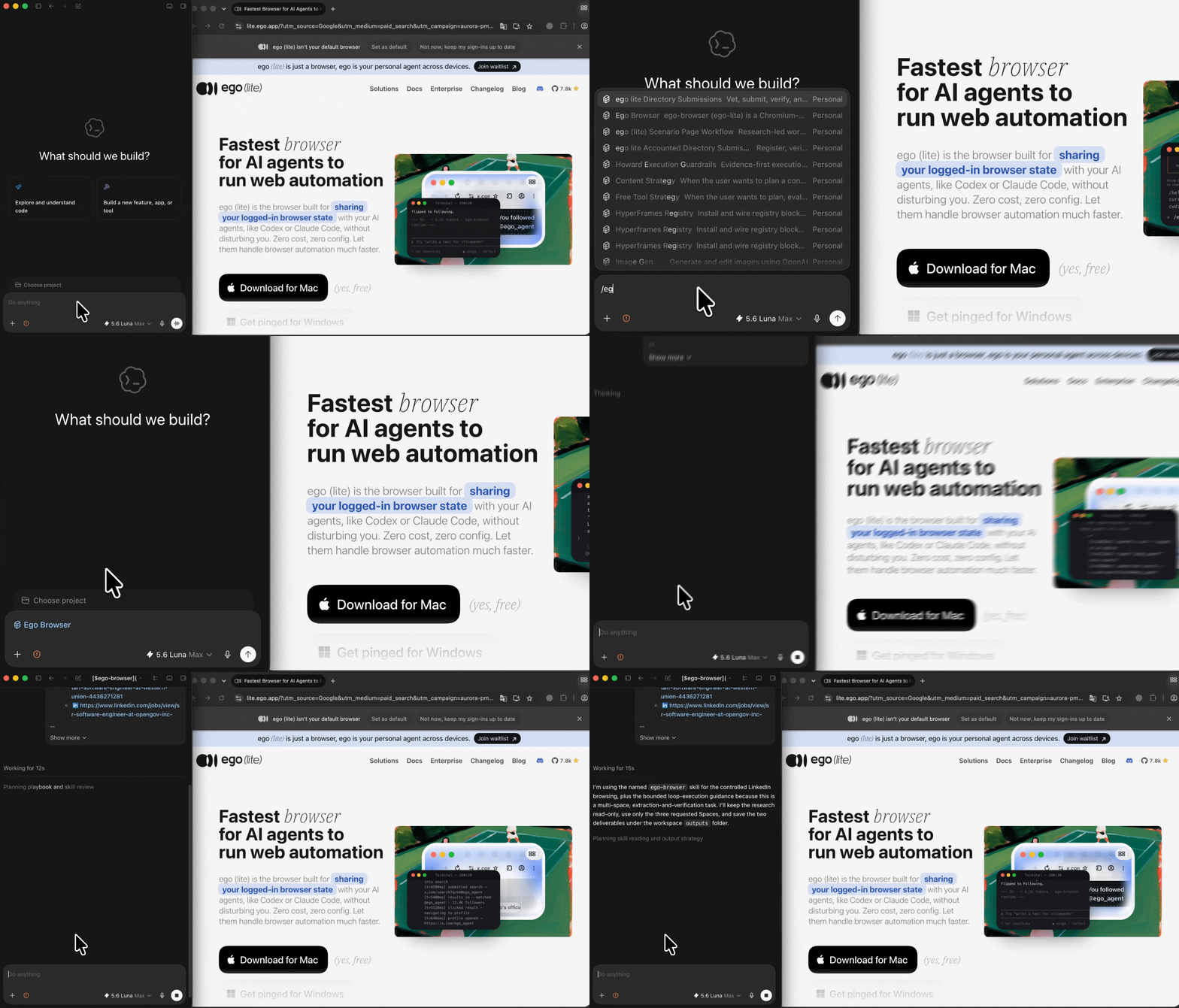
For an approved use case, give Codex or Claude Code a bounded list and the prompt on this page. The agent can open an authorized source in a separate ego(lite) Space, record what the browser displays, and return CSV or Markdown rows. If LinkedIn asks for login, verification, CAPTCHA, or another human decision—or if the platform rules prohibit the automation—it stops and lets you review or choose another access path.
Can I use ego(lite) as a LinkedIn profile scraper?
Public visibility alone is not permission to automate collection. Use ego(lite) for profile fields only when an official API, export, written permission, or other documented basis permits the workflow. The report marks a field unavailable when LinkedIn hides it, asks for access, or does not show it; it does not reveal private profile fields or infer missing identity details.
Can it scrape LinkedIn job postings?
Only when an official API, export, written permission, or other documented basis permits collecting those job postings. A visible job page is not blanket permission to automate it. For an approved source, record the visible title, company, location, work mode, posted date, description, job URL, checked-at time, and access status; a job that disappears, requires login, or does not expose a field stays marked instead of being completed from a guess.
Why does a LinkedIn job scraper return only a few results?
LinkedIn search results may use a virtualized list that renders only the visible slice, and login, region, pagination, or rate controls can narrow it further. Treat the result as incomplete unless you can verify the query, pagination state, visible count, and an approved source of completeness. Record the limitation and use an official feed or export when you need every job.
Can I scrape LinkedIn post likers, commenters, or engagement data?
Only when an official API, export, or written permission permits that dataset. Do not assume that a visible list of likers, commenters, or viewers may be collected or used for outreach. If an approved source exposes engagement rows, keep the post URL, timestamp, access status, and retention rule; do not infer identities or hidden contact information.
How do I send permitted LinkedIn research to a CRM or Google Sheet?
Export the approved fields to CSV or JSON first, then map them into your CRM or sheet only after validating source URL, checked-at time, access status, required columns, duplicate rows, and retention policy. Keep the export reviewable and do not send private or restricted fields to a third party merely because the destination accepts CSV.
Will a real browser prevent my LinkedIn account from being banned?
No. A real browser does not override LinkedIn's rules or guarantee that an account will not be restricted. The safest decision is to use an official API or export where available, keep activity within documented permission, and stop when LinkedIn shows a warning, verification, CAPTCHA, or rate limit. Do not rotate proxies, replay cookies, or spoof fingerprints to evade controls.
Is a LinkedIn scraper free?
A free download does not make a prohibited workflow permitted, and it does not mean unlimited crawling. ego(lite) is free to download for Mac, but any permitted research still depends on the source's rules, your agent's model cost, and the data you are authorized to retain. Use an official API or export when LinkedIn provides one for your use case.
How is this different from other LinkedIn scrapers or a LinkedIn crawler?
Unlike an unbounded LinkedIn crawler, ego(lite) is an agent-driven browser workflow with a defined input list. It opens public profiles or job pages in visible Spaces and returns a reviewable report. The scope stays bounded by your inputs, the browser's access, and LinkedIn's current controls.
Does the LinkedIn scraper work on private profiles?
A private profile or field may be visible in a browser session you are authorized to use, but visibility alone does not permit automated collection. Collect it only when an official API, export, written permission, or other documented basis allows the workflow. ego(lite) cannot bypass connection visibility, privacy settings, login, approval, verification, CAPTCHA, or other LinkedIn controls; protected information remains unavailable and is recorded as a limitation.
Can a LinkedIn scraper find email addresses or phone numbers?
No promise is made for hidden contact data. The workflow records an email address or phone number only if LinkedIn visibly provides it in the authorized session and your task is permitted to collect it. It does not infer, buy, or retrieve hidden contact information from another source, and it marks unavailable fields clearly.
Can I use this LinkedIn scraper as a competitor monitoring tool?
You can use a bounded, reviewable workflow to compare public LinkedIn profile or job-page changes that you are allowed to research. Give the agent a defined list and fields, keep the source URL and checked-at time, and review any difference before acting on it. This is not an unbounded crawler or a promise of hidden competitor intelligence.
Can it send connection requests or apply for jobs?
Not in this LinkedIn scraper workflow. It is designed for public profile and job-data research. Sending messages, connection requests, or job applications creates an external action and stays outside this page's read-only collection flow; use the separate job-application workflow when you intentionally want to review that task.
Is ego(lite) a free LinkedIn scraper?
ego(lite) is free to download for Mac, and the agent doing the work is your own Codex or Claude Code. The workflow does not promise unlimited crawling or access to restricted data: what it can report depends on the pages and browser context LinkedIn allows you to see.
What happens if LinkedIn shows a CAPTCHA or rate limit?
The agent stops in that Space and records the visible restriction instead of solving or bypassing it. You can inspect the browser state, complete an authorized human step yourself if appropriate, or end the run. The report keeps the source, time, and blocked status so a limited result is not mistaken for a complete one.