Can an AI agent view a private TikTok account?
No. An AI agent using ego(lite) can only research TikTok information already visible in an authorized browser session. It cannot bypass follow approval, login, verification, CAPTCHA, or privacy settings. For a private account, protected posts and account details remain hidden unless TikTok has already granted that session access.
Do I need to log in to TikTok to research an account?
Not always. Some public TikTok accounts may be visible without signing in, depending on the account, region, browser session, and TikTok's current requirements. If TikTok requests a login, use only an account you are authorized to access. ego(lite) pauses rather than bypassing the login or verification step.
Can ego(lite) show a TikTok account's followers and following lists?
Only when TikTok shows those lists in your authorized browser session. ego(lite) can capture and organize visible follower or following information, but it cannot unlock lists hidden by a private account, individual privacy setting, age restriction, region, or other platform control.
What can a private TikTok account viewer actually see?
A private TikTok account viewer can only see what TikTok makes available to the current browser session. This may include a username, display name, profile photo, bio, visible counts, or public posts; availability varies by account and settings. ego(lite) does not reveal protected posts, likes, or follower lists.
Is this the same as TikTok profile view history?
No. TikTok Profile View History is a TikTok setting that may show eligible users certain profile visits. The ego(lite) workflow instead reviews information visible on an account and creates a source-linked research note. It does not reveal who viewed your profile, change View History settings, or bypass that feature.
Is ego(lite) a free TikTok account viewer?
Yes. ego(lite) is free to download and can help an AI agent research TikTok accounts in a real browser. What it can report depends on what TikTok displays in that session. It does not grant access to private content or bypass login, follow approval, verification, CAPTCHA, rate limits, or regional restrictions.
Can I watch and take over the AI agent's TikTok research?
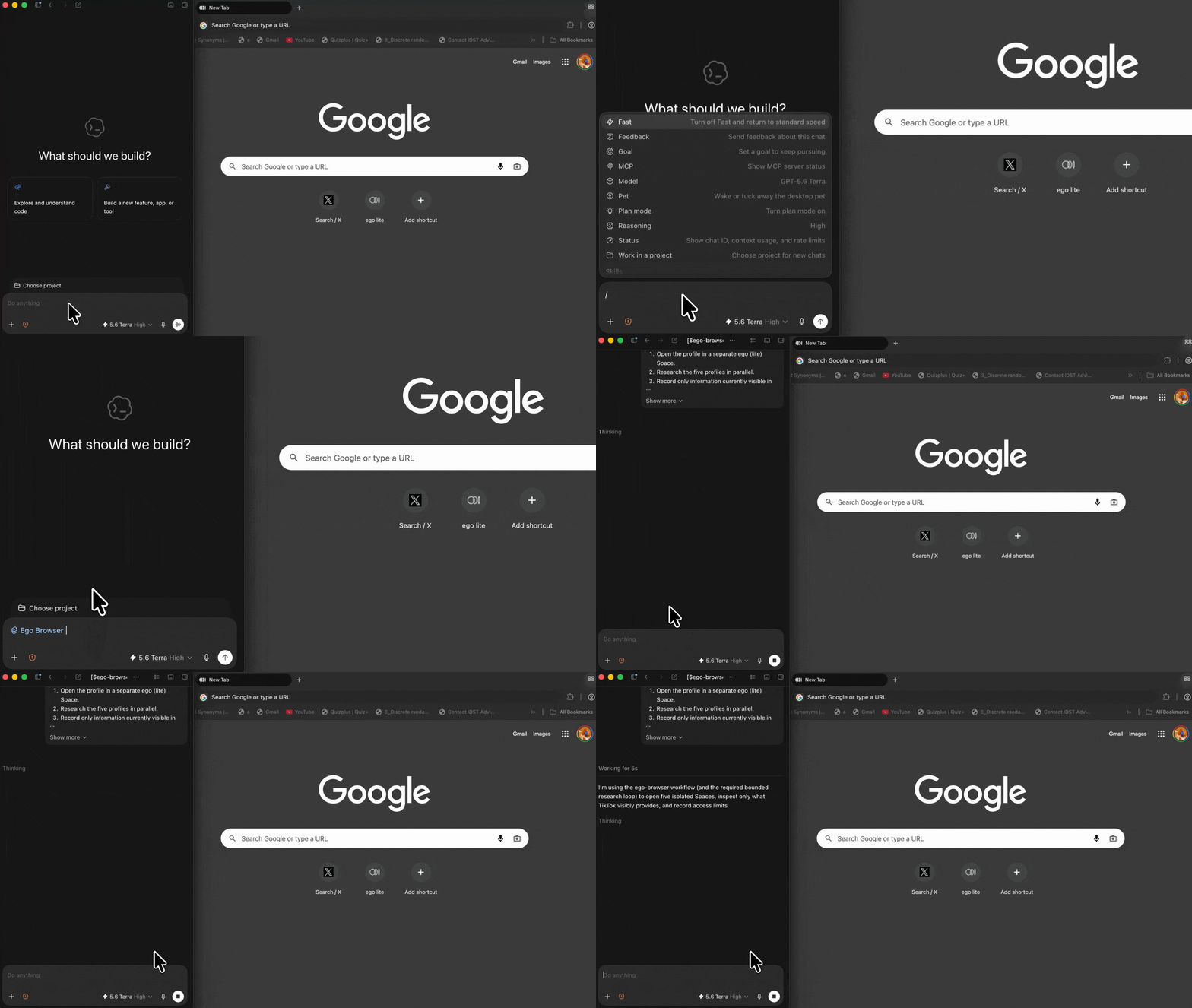
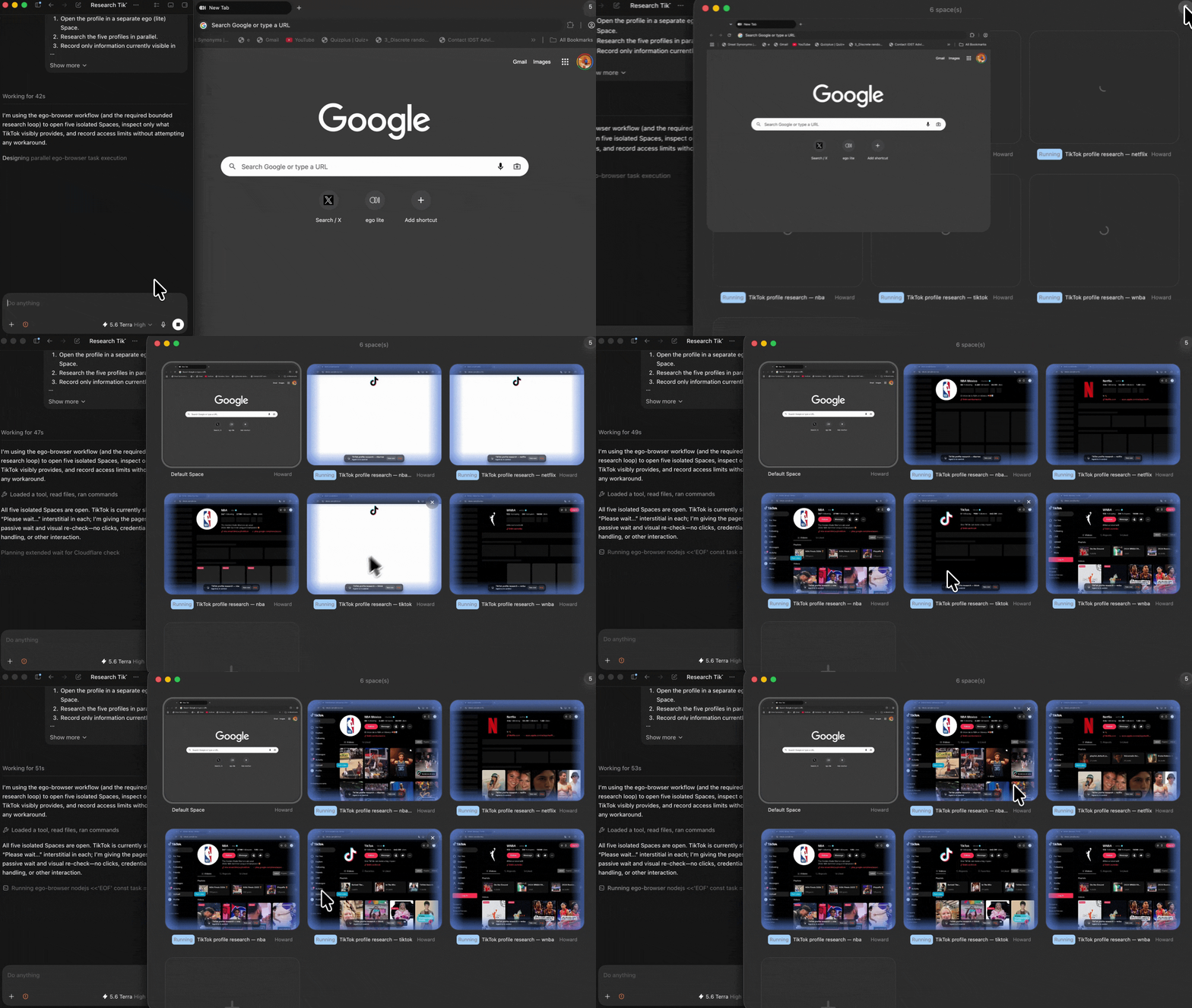
Yes. The task runs in a visible, separate ego(lite) Space, so you can inspect the live browser state, confirm sources, and take control at any time. If TikTok requires a login, verification, follow approval, or another human decision, the agent stops and hands the task back to you.
What report does the AI TikTok account research workflow create?
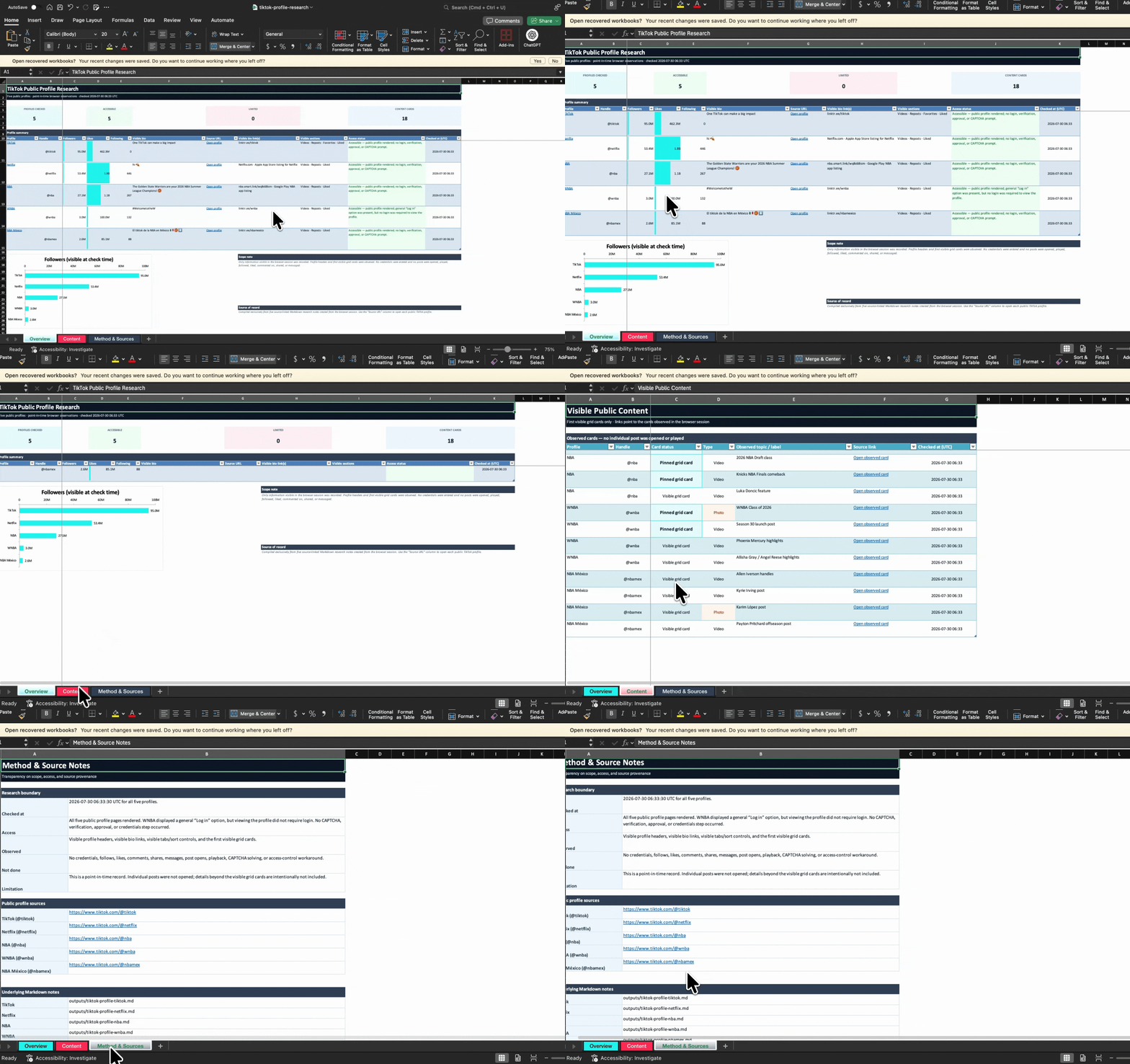
It creates a source-linked Markdown research note that records the TikTok account URL, the time checked, visible findings, access status, and any limits encountered. This gives you a reviewable result instead of an unsupported summary, while keeping hidden or unavailable information clearly marked.
What happens when TikTok shows a CAPTCHA or verification check?
The AI agent stops and records the restriction instead of trying to solve or bypass it. You can open the ego(lite) Space, review the browser state, and decide whether to complete an authorized step yourself or end the task. Rate limits and other platform controls are handled the same way.