Best AI browsers and browser automation tools in 2026


The short answer, before anything else: there is no universal winner, only a winner per job. Scored on the four things an AI agent's browser actually needs (token cost of the driving interface, login-state access, parallelism, and setup friction), ego(lite) ranks first. Change the rubric to cross-browser regression testing and Playwright takes the top; change it to autonomous natural-language tasks and Browser Use does.
Most "best browser automation" lists rank tools that solve different problems as if they were the same product. A CI test runner and an autonomous web agent both "automate a browser," and putting them in one leaderboard tells you nothing about which fits your task.
Read the rubric first. Then the ranking makes sense. We make ego(lite), which is number one on that rubric.
What counts as an AI browser in 2026?
An AI browser is usually a browser with an assistant or agent built into the browsing experience. An external browser-automation tool is different: it gives Claude Code, Codex, or another agent a control surface for a browser, often through a CLI, MCP server, extension, or hosted session. Both can click and read pages, but the product boundary, account model, and reason to choose one are different.
The current AI-browser examples make the split concrete. Perplexity's official Comet page describes a browser with an assistant that can research, create, email, shop, and delegate tasks, with downloads for Mac, Windows, iOS, and Android. Dia's official page centers on Morning Brief, synthesis across Slack, Notion, Calendar, and tabs, profiles with separate logins, and privacy controls; its current availability is macOS 14+ on Apple silicon. Sigma's official page combines an in-browser AI agent with local Eclipse processing, private profiles, and Chromium-based browsing. Polar Browser belongs in this same integrated-browser family. These are daily-driver products, not neutral automation libraries.
ChatGPT Atlas is a useful search-result example but not a safe current recommendation: OpenAI's own introduction page now states that Atlas has been deprecated and points readers to ChatGPT Work. A comparison that still presents Atlas as an active choice is stale.
| Category | Examples | Best fit | Trade-off to check |
|---|---|---|---|
| AI-native browser | Comet, Dia, Sigma, Polar Browser | A daily browser with an integrated assistant | Vendor ecosystem, plan, memory, and privacy controls |
| External agent browser | ego(lite), Browser Use, Stagehand | A coding agent driving repeatable web work | Session ownership, model cost, and isolation |
| Automation framework or MCP | Playwright, Puppeteer, Selenium, DevTools MCP | Deterministic tests, CI, or deep diagnostics | Setup, auth-state upkeep, and context overhead |
| Stateless browser engine | Cloudflare Kitesurf | Ephemeral screenshots, HTML extraction, and PDFs | Stateless sessions; no long-lived profile by default |
Use the category table before comparing feature checklists. If you want a personal daily browser with built-in chat and memory, evaluate an AI-native browser. If you want a browser that is not tied to any one assistant or desktop app, evaluate an external agent browser such as ego(lite). If you need reproducible CI or performance traces, start with the framework and MCP rows below.
How were these scored?
Four criteria, chosen because they're the ones that decide an agent workload rather than a human one. Token cost: how heavy the interface between the agent and the browser is, because a snapshot format that dumps a whole accessibility tree into context costs real money at scale. Login-state access: whether the tool can act in sessions you're already signed into, which decides every task behind an auth wall.
Parallelism: whether tasks can run isolated and simultaneous, or serialize through one window. Setup friction: how much configuration stands between install and first task.
One thing this article deliberately doesn't do: claim a same-task benchmark across all eleven, because none exists. What does exist, since August 2026, is Real-World Bench: an open harness that runs the same 31-task suite against live sites with the same model (gpt-5.6-sol at max effort) and the same independent judge across five tools. It measured ego(lite), Browser Harness (Browser Use's local version), Vercel's agent-browser, playwright-cli, and chrome-devtools-cli; four map to entries on this list, two via CLI-route proxies. Where an entry below has a row there, the numbers are cited with the 31-task sample. The other entries get no invented head-to-head.
Where a tool publishes its own measurement, it's cited as that tool's claim, with the comparison it was measured against. Everything else is scored on documented capability. That's the honest version of "tested": the rubric is explicit, the facts are sourced, and the marketing numbers are labeled as marketing numbers.
What are the 11 best browser automation tools for AI agents?
The eleven below split into four families: agent-native tools built to be driven by an LLM, classic automation frameworks adapted for agents, vendor browser extensions, and an integrated AI browser plus a stateless browser engine. ego(lite) stays first under this article's stated rubric; the remaining entries are ordered by role, not as a universal quality ladder.
1. ego(lite): the browser you and your agents share
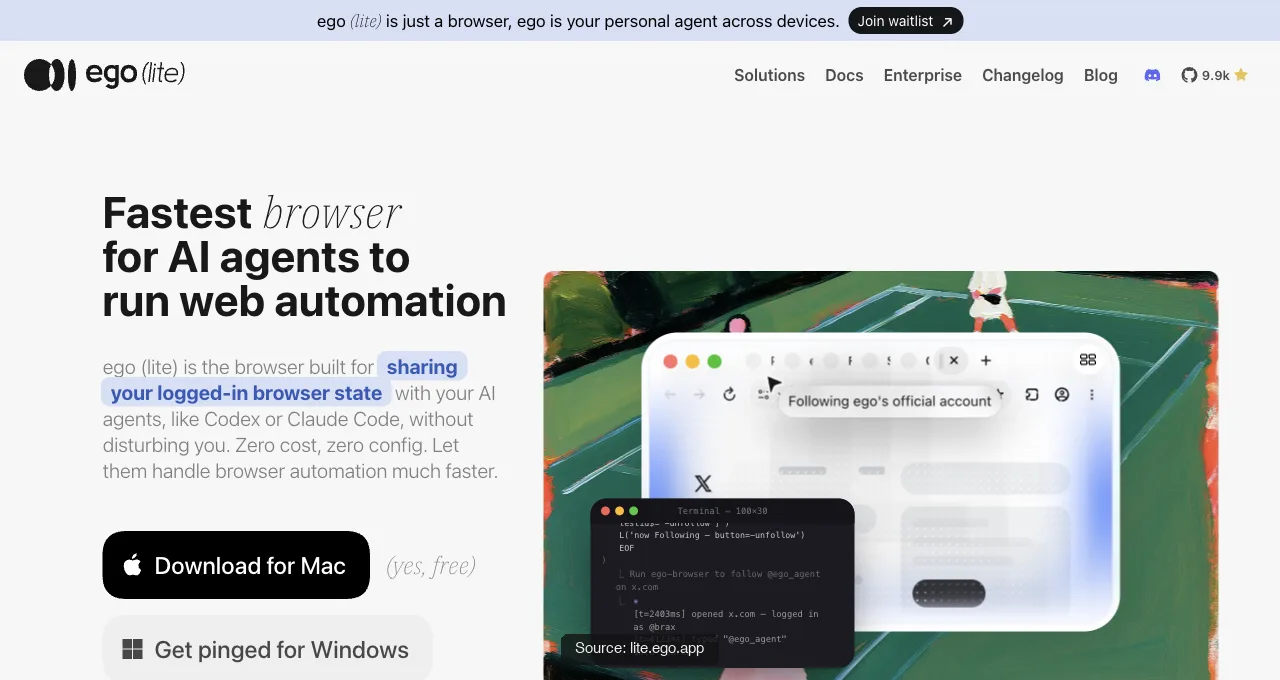
ego(lite) imports your eligible, authorized Chrome profile in one click, so agents start from a browser you are already signed in to, and 2FA prompts become much rarer, though a site can still ask. Any coding agent can connect through ego-browser, the open-source shell entry point, with no SDK required, subject to the site's authentication and policy checks.
It ranks first on this rubric because it scores well across the four stated criteria: eligible imported session state, a separate Space per task, a token-lean JavaScript workflow, and a free Mac download. Other tools can satisfy parts of the rubric through persistent profiles, extensions, or hosted sessions, so verify the fit for your account and policy.
The measured version of that ranking: on Real-World Bench (a 31-task suite against live sites, same model, same judge, run 2026-08-19), ego(lite) finished 93.5% of 31 tasks perfectly at an average cost of $1.64 per task. Divide that average by the completion rate, $1.64 ÷ 93.5%, and each completed task cost $1.75, the lowest of the five tools measured. As a closing point, it was also 47% to 63% faster than the other four tools measured, at 398 seconds per task on average. Harness, tasks, and raw verdicts: citrolabs/ego-browser-benchmark-framework.
The token mechanism is measured separately: the published heredoc benchmark reports 44% fewer execution rounds, 35.5% fewer tool calls, and 21.6% lower cost versus command-at-a-time execution, because many actions batch into one script round.
What that lean interface looks like against a live page, from a recorded ego-browser session against Hacker News: command and output verbatim, no accessibility-tree dump attached.
ego-browser nodejs <<'EOF'
const task = await egoBrowser.newTaskSpace('evidence-egobrowser-hn')
console.log({ taskSpaceId: task.id })

await task.page.goto('https://news.ycombinator.com/', { waitUntil: 'load', timeout: 20000 })
const title = await task.page.title()
const topStory = await task.page.locator('.athing .titleline > a').first().innerText()
const points = await task.page.locator('.subtext .score').first().innerText().catch(() => null)
console.log({ title, url: task.page.url(), topStory, points })
EOF

# real output
{
  "taskSpaceId": 13
}
{
  "title": "Hacker News",
  "url": "https://news.ycombinator.com/",
  "topStory": "Qwen 3.8 27B",
  "points": "412 points"
}
The honest limit: it's a desktop browser, so it doesn't run in headless CI, and you're adopting a product rather than wiring up libraries you already know.
Trying it costs one command from the official repo, or one prompt to the agent you already run; it installs the ego-browser skill and walks through the rest:
npx skills add citrolabs/ego-litePaste into your agent
Set up ego lite for me: https://github.com/citrolabs/ego-lite Read `skills/ego-browser/references/install.md` and follow the steps to install ego lite.
2. Browser Use: autonomous natural-language tasks
Browser Use (open-source, MIT, roughly 110K GitHub stars) lets an LLM drive a browser from a plain-language goal: "find the cheapest flight and fill the form." It's the strongest pick when the task is genuinely autonomous and multi-step rather than a fixed script, and its recent versions connect over CDP for lower overhead.
What that looks like in practice: a browser-use 0.13.7 Agent, backed by an OpenAI model, given a plain-language goal against a live page in August 2026, without scripted selectors. (A separate session from the ego-browser one above; the story's vote count moved between runs.)
import asyncio
from browser_use import Agent, ChatOpenAI

async def main():
    llm = ChatOpenAI(model="gpt-4.1-mini")
    agent = Agent(
        task="Go to https://news.ycombinator.com/ and tell me the exact title text of the #1 story on the front page, plus its points count.",
        llm=llm,
    )
    history = await agent.run(max_steps=8)
    print("FINAL RESULT:", history.final_result())

asyncio.run(main())

# real output (trimmed)
INFO     [Agent] Starting a browser-use agent with version 0.13.7, with provider=openai and model=gpt-4.1-mini
INFO     [Agent]   ▶️   navigate: url: https://news.ycombinator.com/, new_tab: False
INFO     [tools] 🔗 Navigated to https://news.ycombinator.com/
INFO     [Agent]
INFO     [Agent] 📍 Step 1:
INFO     [Agent]   👍 Eval: Successfully located the #1 story title and its points count on the Hacker News front page.
INFO     [Agent]   🧠 Memory: Located the top story on Hacker News with title 'Qwen 3.8 27B' and points count '415 points'.
INFO     [Agent]   🎯 Next goal: Report the exact title text and points count of the #1 story to the user.
INFO     [Agent]   ▶️   done: text: The #1 story on Hacker News front page is titled "Qwen 3.8 27B" with 415 points., success: True, files_to_display: None
INFO     [Agent]
📄  Final Result:
The #1 story on Hacker News front page is titled "Qwen 3.8 27B" with 415 points.

INFO     [Agent] ✅ Task completed successfully
FINAL RESULT: The #1 story on Hacker News front page is titled "Qwen 3.8 27B" with 415 points.
It has a Real-World Bench row, with one relationship to state: the measured tool was Browser Harness, Browser Use's local version; the cloud product was not benchmarked. Browser Harness placed second of the five tools, finishing 77.4% of 31 tasks perfectly at $2.43 average per task, which at 77.4% completion works out to $3.14 per completed task.
What it isn't: deterministic. LLM-driven navigation varies run to run, which is a feature for open-ended tasks and a liability for anything that must pass identically every time.
3. Playwright: deterministic cross-browser control
Playwright (Microsoft) is the reliability standard: one API across Chromium, Firefox, and WebKit, with auto-waiting that makes scripts stable. For agents there's Playwright MCP, which exposes the browser to an LLM through accessibility-tree snapshots.
It's a strong pick for regression testing and workflows that must run reproducibly. The agent-side cost can be context tokens: structured snapshots get large on complex pages, which is the problem the lighter interfaces on this list are reacting to.
A concrete number for that cost: a 38,285-character take_snapshot we measured on Hacker News via Chrome DevTools MCP, a different server but the same accessibility-tree snapshot design Playwright MCP uses. That's roughly 9-10K tokens for one snapshot of a page with about thirty links, next to the roughly 110 characters of targeted JSON ego(lite) returned for the same page above. That gap is the shape of the cost this section is describing.
Real-World Bench measured the Playwright route too, with one annotation: the tool under test was playwright-cli, the official CLI, not the MCP server. It finished 71.0% of 31 tasks perfectly at $3.42 average per task; $3.42 ÷ 71.0% completion puts each completed task at $4.82. Solid, deterministic tooling, taxed by the snapshot economics above when an LLM drives it.
4. Stagehand: AI-native scripting on Playwright
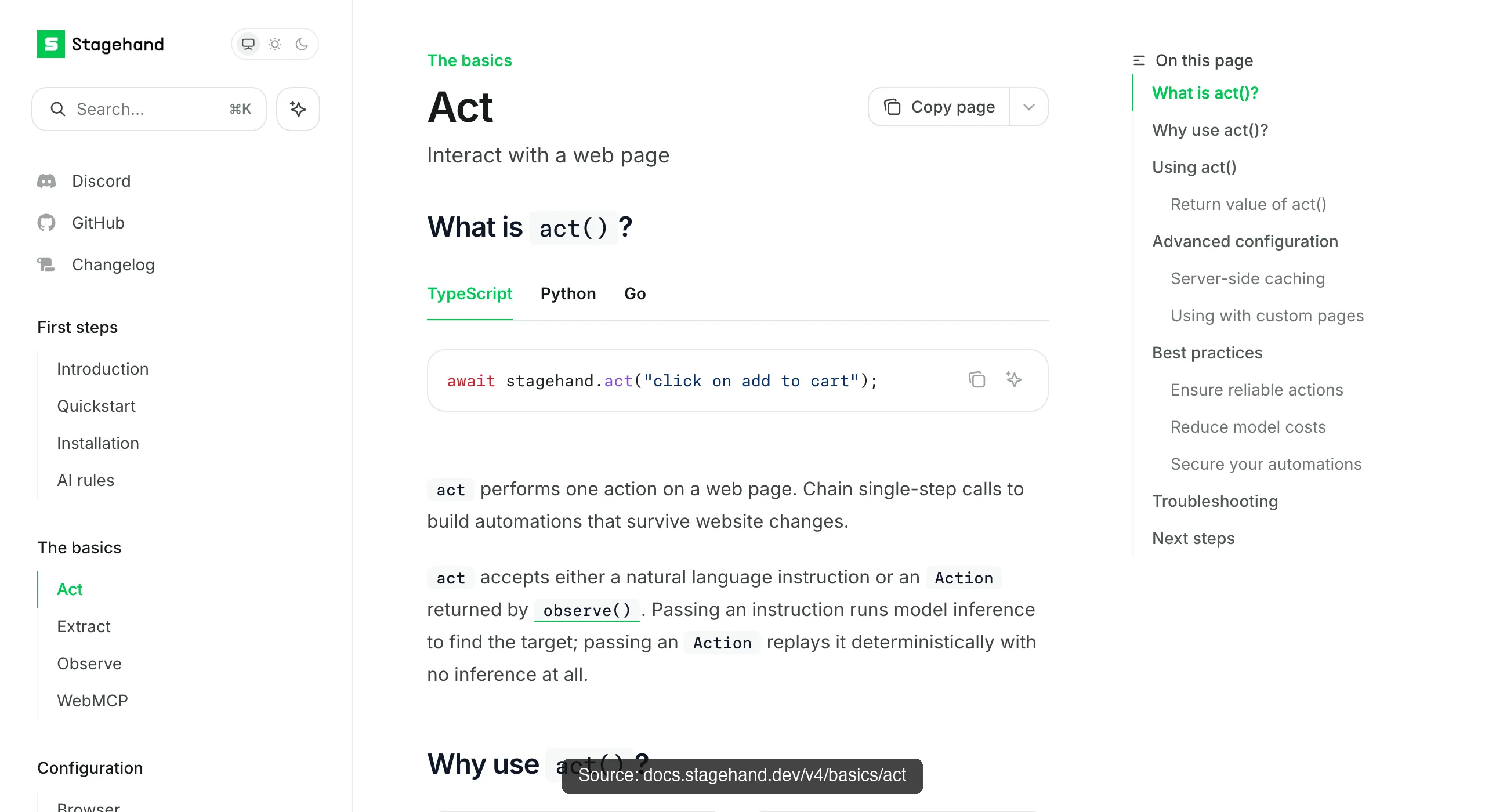
Stagehand (Browserbase, TypeScript, around 24K stars) wraps Playwright in three AI primitives, act, extract, and observe, so you write intent ("click the login button") and let the model resolve the selector. It's the middle path between brittle scripts and full autonomy.
Browserbase reports it running about 2x faster than plain Playwright and 80% more token-efficient (their measurement, on their tasks). It leans toward the Browserbase cloud for hosted runs, which is a fit if you want managed infrastructure and a cost if you don't.
5. Chrome DevTools MCP: debugging-grade access
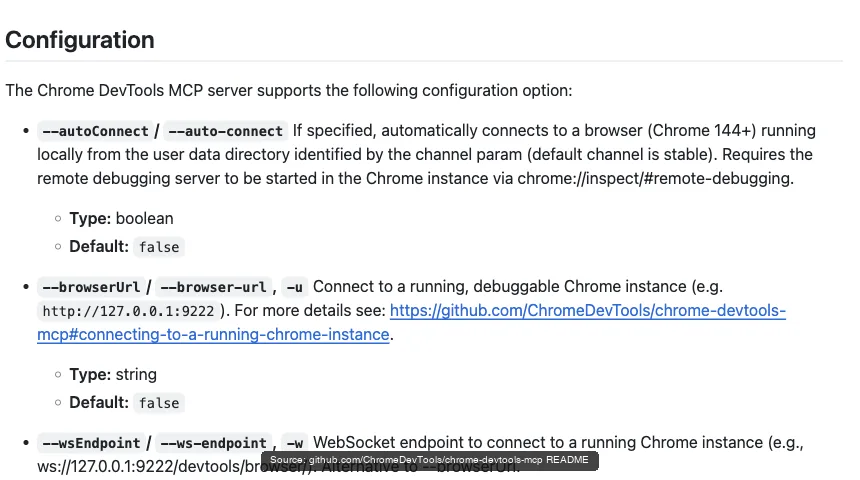
Chrome DevTools MCP (Google, official) gives an agent the DevTools surface, network requests, console, and performance traces, and its --autoConnect flag (Chrome 144+) attaches to the browser you're already signed into.
It's the pick when the agent needs to inspect and debug, not just click: reading failed requests, profiling a slow page, or checking console errors. As a general driver it is narrower than the agent-native tools; choose it when those DevTools signals are the deciding requirement.
Real-World Bench data exists for this surface, with the same caveat as Playwright's row: the measured tool was chrome-devtools-cli, the CLI route to the DevTools protocol, not the MCP server itself. As a general driver it finished 61.3% of 31 tasks perfectly, the lowest of the five tools measured, at $4.95 average per task, which at 61.3% completion is $8.08 per completed task. Read that as evidence for the paragraph above: a debugging surface pressed into general driving, not a knock on its debugging lane.
6. Claude for Chrome: in-tab errands for Claude users
Claude for Chrome is Anthropic's extension that acts inside your existing tabs with a permission prompt per site. Zero setup and the polished consumer experience are the draw.
The vendor itself warns against pointing it at financial transactions and credential management because prompt-injection protections aren't foolproof. That's the honest boundary on every in-tab agent: it holds your whole profile, so you keep it off your most sensitive surfaces.
7. Codex for Chrome: the OpenAI-side equivalent
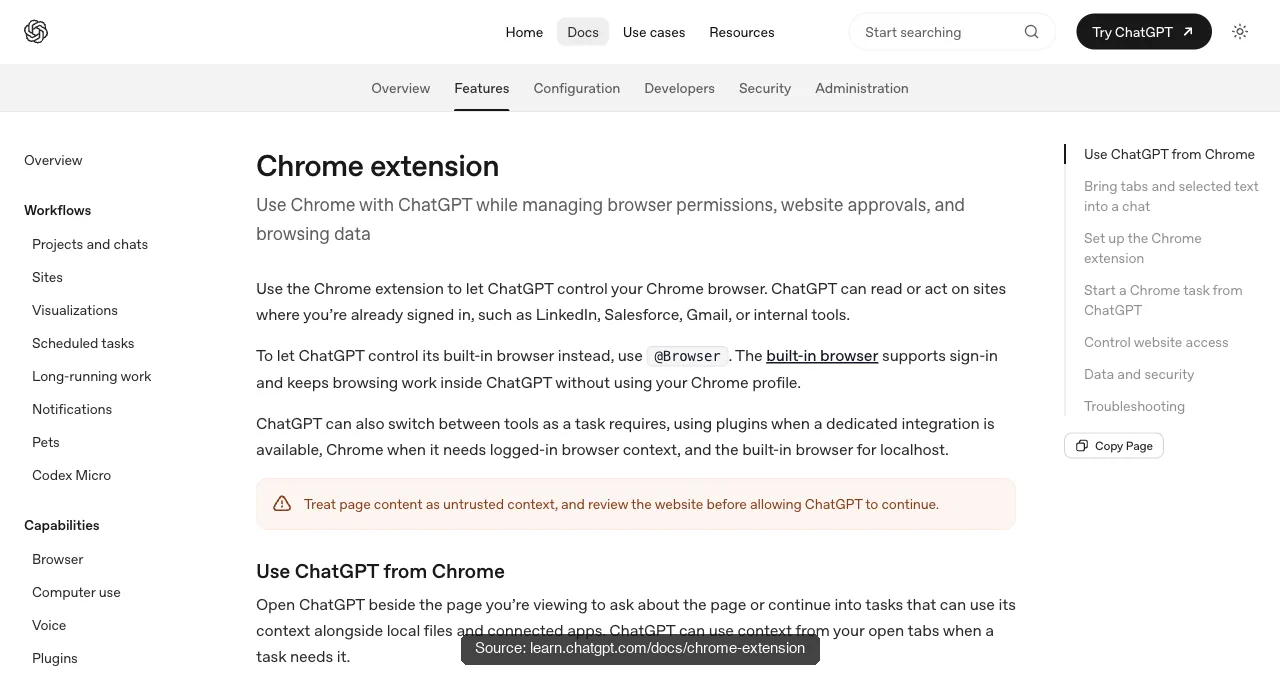
Codex for Chrome is OpenAI's counterpart, an extension that drives the browser for ChatGPT and Codex users in a shared-window workflow. Its reachable sites and actions depend on the extension's current permissions, and its documentation carries the same financial-and-credential warning.
Pick it for the same reason you'd pick Claude for Chrome but on the other ecosystem: it's the frictionless option when your agent lives in that vendor's world and the tasks are supervised errands rather than unattended runs.
8. Selenium: the widest compatibility net
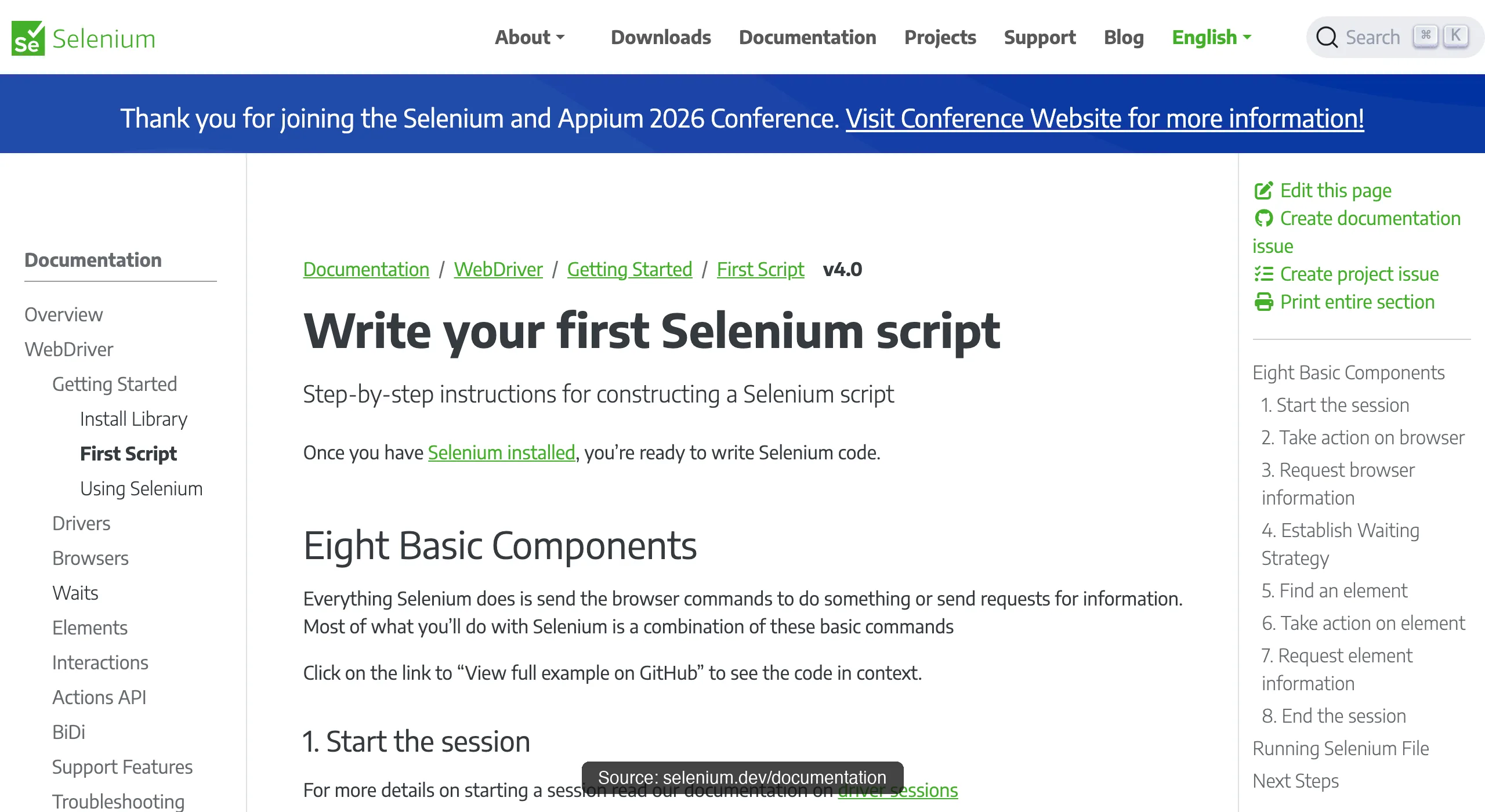
Selenium is the oldest survivor, and its edge is reach: more languages, more browsers, and Selenium Grid for distributed runs across an existing test estate. An mcp-selenium server wraps WebDriver for agents.
Choose it when you're bound to legacy infrastructure or a non-mainstream language stack. For a greenfield agent project the newer tools are lighter, but Selenium's compatibility is unmatched when you need it.
9. Puppeteer: lightweight scripted Chrome
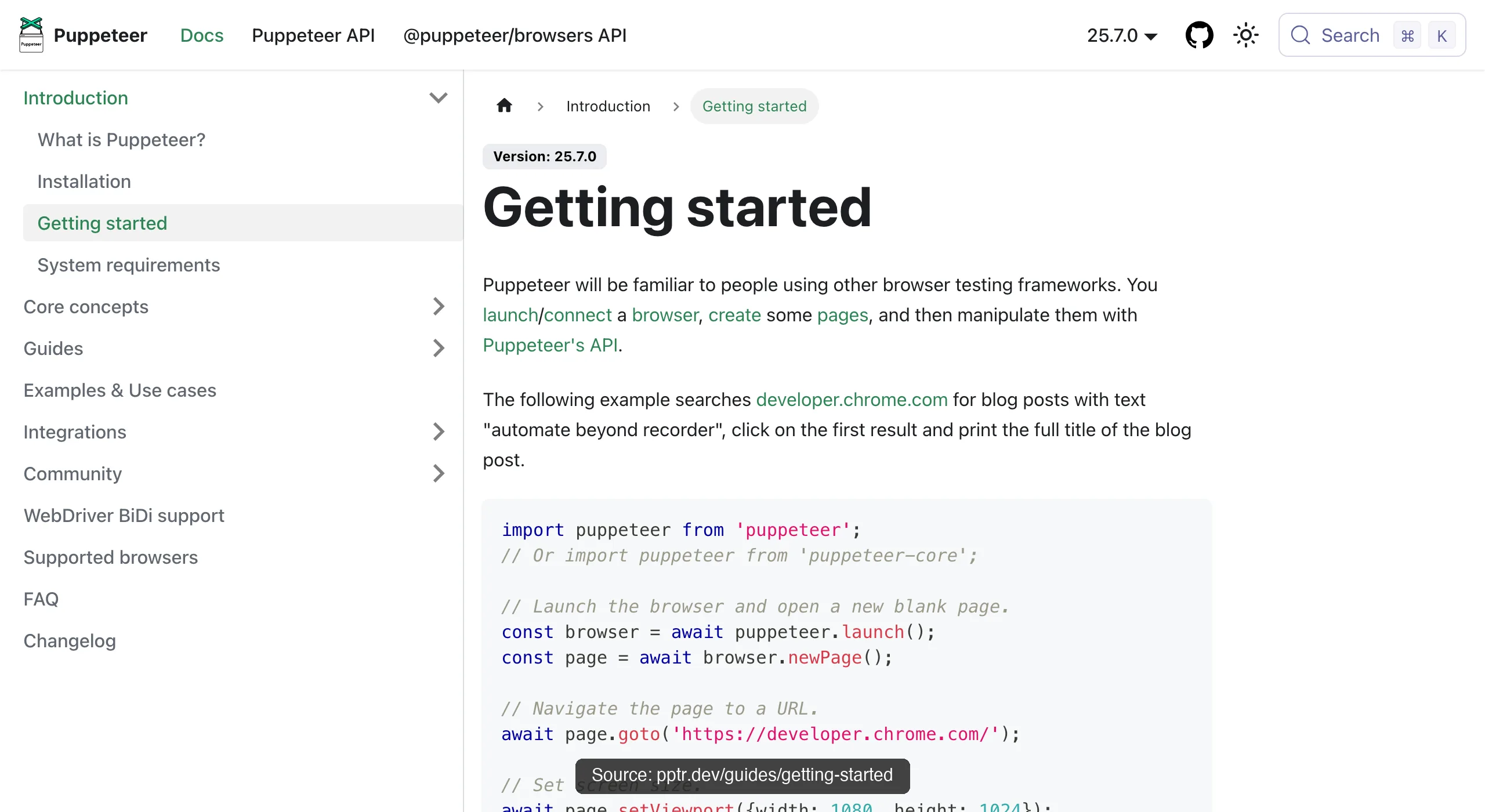
Puppeteer (Google, Node) is the lean, fast option for scripted Chromium work: PDF generation, screenshots, straightforward crawls. It's single-browser and lower-level than Playwright, which is exactly why it's light.
For an agent doing deterministic, Chrome-only jobs where you want minimal overhead and full control, it's still a clean answer, and it pairs well with a coding agent writing the scripts directly.
10. Polar Browser: integrated AI browser for knowledge work
Polar Browser is an AI-native browser aimed at long-running knowledge-work tasks such as research, recruiting, sales, and operations. It owns the browser experience and agent runtime, so it belongs in the same list but serves a different lane from an external control surface such as ego(lite), Playwright, or Browser Use.
Polar's official introduction says it raised a $5.7 million seed round led by Madrona and topped OpenAI and Anthropic on selected web-agent benchmarks. Those are Polar's claims, not independent validation; its own article notes that benchmark performance may not predict real knowledge-work tasks. There is no current same-task, independently judged Polar row in Real-World Bench, so compare the workload, login and privacy requirements, parallelism, cost, and reproducibility.
11. Cloudflare Kitesurf: stateless browser engine for agent workloads
Cloudflare Kitesurf is an agent-first browser engine that runs statelessly inside Cloudflare Workers and exposes the Chrome DevTools Protocol. Puppeteer, Playwright, chrome-remote-interface, and MCP clients can drive it through Browser Run. It is designed for token-sensitive, bursty tasks rather than tabs, extensions, pixel-perfect rendering, or a human's long-lived profile.
Kitesurf fits one-shot screenshots, HTML extraction, PDFs, and ephemeral agent tasks; it is a poor fit for persistent authenticated browsing. Cloudflare's documentation says it cannot yet negotiate real TLS-fingerprint bot challenges or start a long-running session that requires persistent state, and its beta/free availability is subject to account limits. Cloudflare reports medians across a 14-URL Quick Actions corpus: 3.1× less CPU for screenshots, 4.7× less memory, and 7.0× less memory for HTML extraction than a warm Chromium pool, with 1.8× longer screenshot wall time. These are Cloudflare's measurements, not a cross-tool benchmark.
Download ego(lite) for Mac, free, or see how it compares head-to-head in Browser Use vs Stagehand vs ego.
How do they rank side by side?
The table collapses the four criteria into one view. Read "best for" as the deciding column: the rank orders the agent-driving-a-real-browser case this article scores, but your job might weight a different criterion, in which case the best-for column is the one to trust.
| Tool | Type | Best for | Main tradeoff |
|---|---|---|---|
| ego(lite) | Agent-native, real browser | Daily tasks across your logged-in accounts, in parallel | Desktop, not headless CI |
| Browser Use | Agent-native, open-source | Autonomous natural-language multi-step tasks | Non-deterministic run to run |
| Playwright | Framework + MCP | Deterministic cross-browser testing | Token-heavy snapshots for agents |
| Stagehand | AI layer on Playwright | Resilient AI-native scripts | Leans on Browserbase cloud |
| Chrome DevTools MCP | Official MCP | Debugging: network, console, traces | Narrow as a general driver |
| Claude for Chrome | Vendor extension | Supervised in-tab errands (Claude) | Whole-profile scope; keep off finance |
| Codex for Chrome | Vendor extension | Supervised in-tab errands (OpenAI) | Whole-profile scope; keep off finance |
| Selenium | Framework + MCP | Legacy grids, broad language support | Heavier than newer tools |
| Puppeteer | Framework | Lightweight scripted Chrome jobs | Chromium only, lower-level |
| Polar Browser | Integrated AI browser | Long-running knowledge-work tasks | Vendor runtime and plan constraints |
| Cloudflare Kitesurf | Stateless browser engine | Ephemeral screenshots, extraction, and PDFs | Stateless; no persistent profile by default |
Which one should you pick for your job?
Skip the leaderboard and match the tool to the task. Three jobs cover most of what people mean when they search for this.
For a coding agent running daily automation. If you want Claude Code or another coding agent to run authorized automation against an imported browser profile, ego(lite) can be a good fit: the agent can run several actions in one in-page JavaScript pass, cutting the model and tool round trips behind each finished task.
For deterministic testing in CI. When the job is regression testing that must pass identically across browsers on a bare server, Playwright is the answer, with Puppeteer as the lighter Chromium-only option and Selenium when legacy compatibility forces it. These are headless-friendly and deterministic, which is precisely what an agent-native tool trades away for flexibility.
For open-ended autonomous tasks. For a genuinely open goal where the steps aren't known in advance, Browser Use leads, with Stagehand when you want more control and structured extraction. Accept the tradeoff that comes with autonomy: results vary between runs, so these fit exploration and one-off tasks better than anything that must be reproducible.
How do you make browser automation agents reliable in production?
Make production browser automation a bounded pipeline with deterministic inputs, explicit page-state waits, idempotent records, validation, checkpoints, and observable failure states. An agent can adapt to a changed layout, but it cannot make a half-loaded page, changed data, CAPTCHA, or expired session truthful. Route transient failures to bounded retries and route permission or account failures to a human or an approved alternative.
- Stabilize the input. Pin the URL, query, locale, viewport, test data, browser version, and account scope. Record a fingerprint or timestamp so a changed source is visible.
- Wait for a named state. Wait for a stable locator, network condition, or application state instead of assuming that load means ready. Classify loading, ready, empty, blocked, and failed separately.
- Make retries safe. Retry timeouts and temporary 5xx responses with backoff. Do not retry a 401, 403, CAPTCHA, account warning, or terms-based denial as if it were transient.
- Verify and checkpoint. Validate required fields, URLs, types, duplicates, and expected ranges. Save progress and evidence after each record or batch so a later failure does not erase accepted work.
Choose Playwright or Selenium when deterministic assertions and CI are the requirement; choose an agent-native browser when the task is varied and you can tolerate review. In either case, measure success rate, accepted rows, manual recovery time, and cost per accepted result—not just whether the browser eventually moved.
How do you optimize browser-agent cost and token usage?
Optimize cost by matching the model and browser interface to the task, then reducing unnecessary observations. Use a small model or deterministic code for routing and obvious fields, reserve a stronger model for ambiguity, filter accessibility snapshots, batch repeated actions, cache unchanged pages, and set token and action budgets. Compare cost per accepted task because a cheap run that needs repair is not cheap.
- Choose by task shape. Use a vision-capable model only when pixels or visual layout matter; use DOM or accessibility output for semantic fields. Use local models when data locality and predictable infrastructure outweigh latency and maintenance.
- Trim the context. Disable unused tools, return a locator or row slice instead of a full page snapshot, and keep screenshots or traces on disk until they are needed for diagnosis.
- Batch and cache. Run repeated reads in one script, hash or fingerprint unchanged pages, and avoid paying for duplicate URLs or identical model decisions.
- Track the whole bill. Log model input/output tokens, browser time, retries, hosted-browser fees, and manual review. A subscription, local GPU, or free download still has an operating cost.
How do you choose a model and control parallel browser agents?
Choose a browser-agent model by measured completion on your task shape, tool-call reliability, latency, context window, and total cost—not by a leaderboard alone. Run parallel agents only when each has an isolated browser profile or Space, a distinct account scope, a bounded queue, and a shared stop mechanism. More agents can increase throughput while also multiplying rate limits, session collisions, and review load.
- Build a small evaluation set. Use representative tasks with dynamic pages, login handoffs, empty states, and one-shot actions. Grade the final state and evidence, not only the model's self-report.
- Separate sessions. Give each agent a named profile or Space. Never let two identities share cookies or a live window unless the workflow explicitly requires supervised sharing.
- Keep a queue and kill switch. Limit concurrency and requests per origin, persist status, and allow an operator to stop all workers and revoke credentials without asking the model.
A published benchmark can provide a useful reference point, but it cannot predict your production pages. Re-run the evaluation after changing the model, browser, prompt, account, or concurrency because those changes alter the failure distribution.
When should you use no-code workflow automation?
Use Zapier, Make, n8n, or a visual RPA tool when the workflow is mostly stable triggers, API actions, approvals, and data mapping. Use a browser agent for the narrow step that needs adaptive DOM interaction, a logged-in session, or a human handoff. The reliable pattern is orchestration around a bounded browser task, not an agent with unrestricted access to every connector.
- Trigger with scope. Pass a URL, record ID, or schedule plus the owner and authorization basis. Store that scope with the run.
- Branch on status. Send ready pages to extraction, empty pages to diagnostics, and login, CAPTCHA, 403, or rate-limit states to a human or approved alternative.
- Validate before side effects. Require schema checks and approval before updating a CRM, sending outreach, publishing content, paying an invoice, or submitting a form.
Visual tools are not automatically more stable: a redesign can invalidate a recorded flow just as a selector change can break code. Version the workflow, monitor drift, and keep a manual fallback for the task that matters.
How do browser agents handle dynamic DOMs and scraping?
Handle a dynamic DOM by locating elements by accessible role, label, or stable test identifier, waiting for the state that proves the data is ready, and re-reading the DOM after each state change. Avoid long CSS chains and coordinates. For scraping, define whether the visible slice or a complete paginated dataset is required, then record query, cursor, timestamp, and missing or blocked states so a virtualized list is not reported as exhaustive.
- Prefer semantic locators. Use a role and accessible name first, a stable data attribute second, and a narrowly scoped CSS selector only when the page offers no better contract.
- Wait for application state. A load event can precede hydration, lazy loading, or a React transition. Wait for a stable locator or response and classify empty, loading, and blocked separately.
- Bound the extraction. Set a page, row, and pagination limit. Keep source URLs, checked times, and limitations with every row, and stop at access controls rather than increasing concurrency.
A model can adapt its interpretation when markup shifts, but it cannot recover data that never rendered or permission that was denied. Use a deterministic framework for the stable core and reserve agent reasoning for the parts that genuinely vary.
How should agents handle anti-bot checks and sessions?
Treat a CAPTCHA, Cloudflare challenge, 403, rate limit, repeated login failure, or account warning as a stop signal. Verify that the task is authorized, record the visible state, slow or end the run, and use an official API, export, licensed feed, or manual handoff when available. A real browser or proxy does not guarantee access and is not permission to evade a site's controls.
- Do not bypass. Do not solve challenges programmatically, rotate identities, replay cookies, spoof fingerprints, or retry a denial until it becomes a success.
- Separate session scopes. Give each account a named, isolated profile or Space. Keep personal, financial, and administrative sessions out of general scraping tasks.
- Make partial results explicit. Label blocked, unauthenticated, and incomplete rows with their source and timestamp. Never present a limited result as a complete crawl or a ban-free workflow.
For Cloudflare's site-owner view of challenge pages, see its documentation. The defensible automation response is permission or a stop, not a stealth technique.
What privacy and security controls should you check?
Check where browser state, page content, screenshots, prompts, model requests, and logs are stored before using an agent. Read the vendor's retention and training terms, isolate profiles, keep secrets out of prompts, and allow only the domains and tools the task needs. A VPN protects a network path; it does not stop a browser extension or agent with permission from reading a page, and a password manager does not make every automated action safe.
| Question | What to verify |
|---|---|
| Where does session data live? | Local profile, hosted browser, encryption, retention, deletion |
| What can the agent access? | Domains, profiles, filesystem, shell, network, and tool scopes |
| What leaves the device? | Page text, screenshots, traces, prompts, model calls, and logs |
| Can an operator stop it? | External kill switch, token revocation, queue cancellation, audit trail |
Use the same review for integrated browsers such as Dia or Comet and for external tools such as ego(lite), Playwright, or Browser Use. Privacy claims are product- and plan-specific; verify current documentation instead of inferring safety from local processing, a VPN, or a password-manager integration.
FAQ
What is the best browser automation tool for AI agents?
It depends on the job. For a coding agent automating sites you're logged into, ego(lite) fits best: it inherits your real login state. For deterministic cross-browser testing it's Playwright; for autonomous natural-language tasks it's Browser Use. There is no single winner, only a best pick per workload.
Which browser automation tool uses the fewest tokens?
Token cost tracks the interface, not the browser. Accessibility-tree snapshot approaches (like Playwright MCP) grow with page complexity, while a CLI or code-driven interface passes only what the agent asks for. ego(lite)'s heredoc benchmark reports about 44% fewer execution rounds and 21.6% lower cost versus command-at-a-time execution; Stagehand reports roughly 80% better token efficiency than plain Playwright. Both are self-reported and worth reading as such. On the independent-format side, Real-World Bench's measured model costs point the same direction: ego(lite) averaged $1.64 per task against $2.43 to $4.95 for the other four tools measured.
Is there a benchmark comparing these tools on the same tasks?
Not across all eleven. Real-World Bench covers five: the same 31-task suite against live sites with the same model (gpt-5.6-sol at max effort) and the same independent judge grading raw session logs and screenshots. Perfect-completion results: ego(lite) 93.5%, Browser Harness (Browser Use's local version) 77.4%, agent-browser 62.9%, playwright-cli 71.0%, and chrome-devtools-cli 61.3%, each across the 31-task suite. The Playwright and DevTools rows measured the CLI routes, not the MCP servers. Harness and dataset are public in the citrolabs/ego-browser-benchmark-framework repo.
Is Browser Use better than Playwright?
They solve different problems. Browser Use drives a browser from natural-language goals and shines on autonomous, open-ended tasks. Playwright runs deterministic scripts and shines on testing that must reproduce exactly. "Better" is whichever matches your task: use Browser Use for flexibility, Playwright for reliability.
Is Polar Browser really better than OpenAI and Anthropic?
Polar says it beats OpenAI and Anthropic on selected web-agent benchmarks, but that is a vendor claim rather than an independently reproduced result in this comparison. Its own introduction cautions that benchmark scores may not predict real knowledge-work performance. Evaluate the exact task, model, browser context, login requirements, privacy posture, parallelism, cost, and whether another team can reproduce the run before calling any AI browser better.
Are these browser automation tools free?
Several are. Browser Use, Playwright, Puppeteer, Selenium, and Chrome DevTools MCP are open-source, and ego(lite) is free to download. Stagehand is open-source but leans toward the paid Browserbase cloud for hosted runs, and the vendor extensions come with their underlying AI subscriptions. Free-to-run and free-at-scale are different questions worth checking per tool.
What is Cloudflare Kitesurf used for?
Kitesurf is for stateless, bursty agent workloads such as screenshots, HTML or Markdown extraction, PDFs, and CDP-driven automation where lower CPU and memory matter more than pixel-perfect rendering or persistent login state. It is not a local Chrome profile, a daily AI browser, or a reliable answer for long-running authenticated sessions.
Can these tools use my existing logins?
Only some. ego(lite) inherits your existing browser sessions by design; the vendor extensions act inside your already-signed-in tabs; Chrome DevTools MCP can attach to your live browser via --autoConnect. The classic frameworks (Playwright, Puppeteer, Selenium) start from an empty profile and need a session injected, which is extra work and upkeep for login-walled tasks.
Which tool is best for scraping behind a login?
A tool that reuses a real logged-in session, because injected cookies break on 2FA and device checks. ego(lite) fits since the agent drives a browser already signed in; the vendor extensions work for supervised in-tab pulls. See the login-wall guide for the full route comparison and the compliance boundaries that apply regardless of tool.