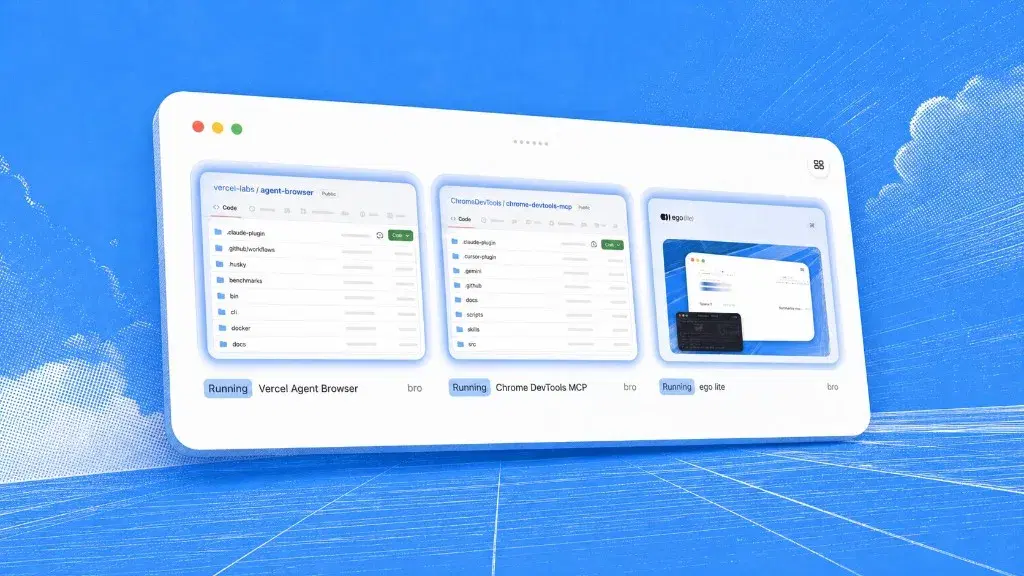
Meta Muse browser automation: secure VM vs real sessions


Muse is Meta's consumer personal agent, and its browser runs inside a persistent cloud VM that Meta hosts on your behalf. ego(lite) sits on the other side of that split: a free Chromium browser on your own machine, where your passwords, cookies, and logged-in sessions stay local instead of being handed to a hosted browser environment.
Those two designs suit different jobs. Muse handles WhatsApp-driven personal tasks that span several apps well. The catch is that its browser does not inherit the session you already have open on your own machine. When the work stalls on a login, ego(lite) closes that gap with a one-click Chrome profile import, so the agent inherits your real logins.
Why does ego(lite) fit browser automation better?
In ego(lite), the browser, the model, and the task stay separate choices, and any coding CLI agent can connect through the open-source ego-browser shell without an SDK. You stay near the live page while it works. Muse instead uses Meta's model stack and a cloud-hosted session. The split matters when model choice, local session control, visible execution, and human recovery are requirements rather than preferences.
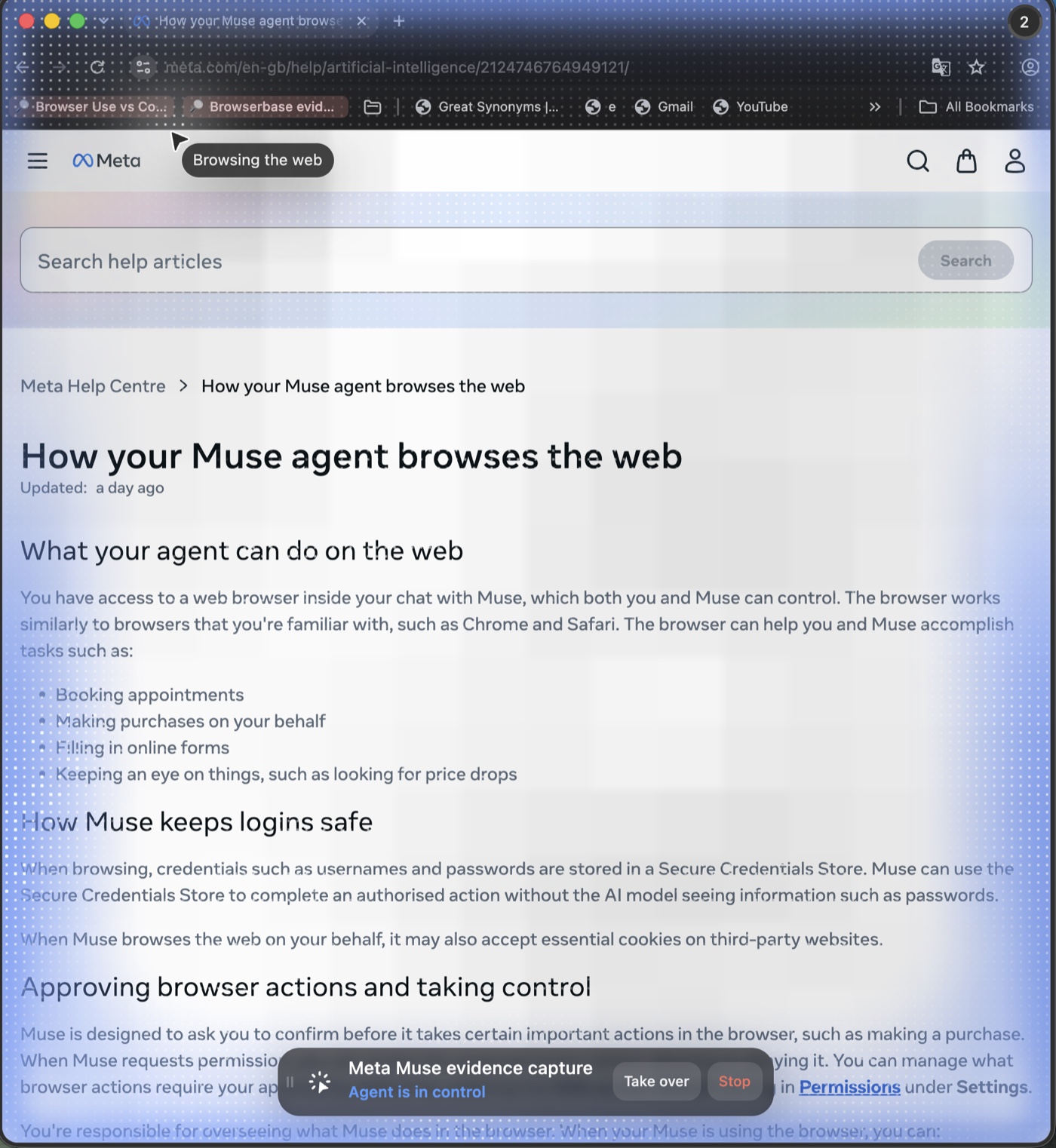
Muse documents a similar set of control verbs, but you reach them from inside a Muse chat: open the browser, take control, or stop the task. ego(lite) gives you a full Chromium with its tabs and windows, so you are already in the browser and there is no extra step between you and the page.
What did we check firsthand?
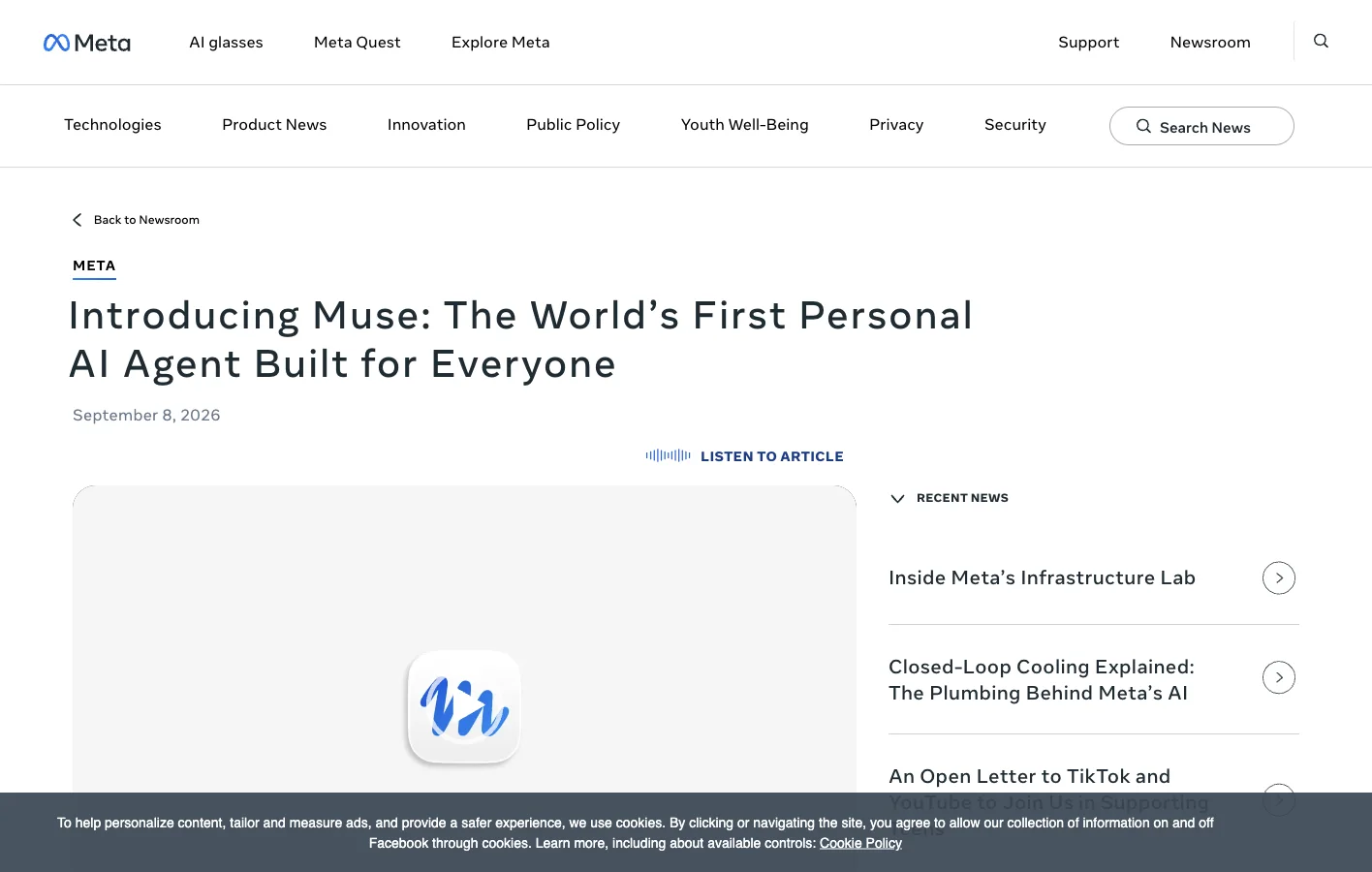
On September 11, 2026, we opened Meta's live Muse product page and browser help article inside ego(lite), captured the pages, and read the documented browser and credential behavior. We also operated a real ego(lite) Space and checked its takeover controls. We had no Muse account, so treat this as a hands-on ego(lite) test plus a source-level read of Muse's documentation, not a head-to-head run.
| Claim | Evidence checked | What it proves |
|---|---|---|
| ego(lite) handoff | Live Space operated in product | Take over and Stop are present beside the agent-controlled browser |
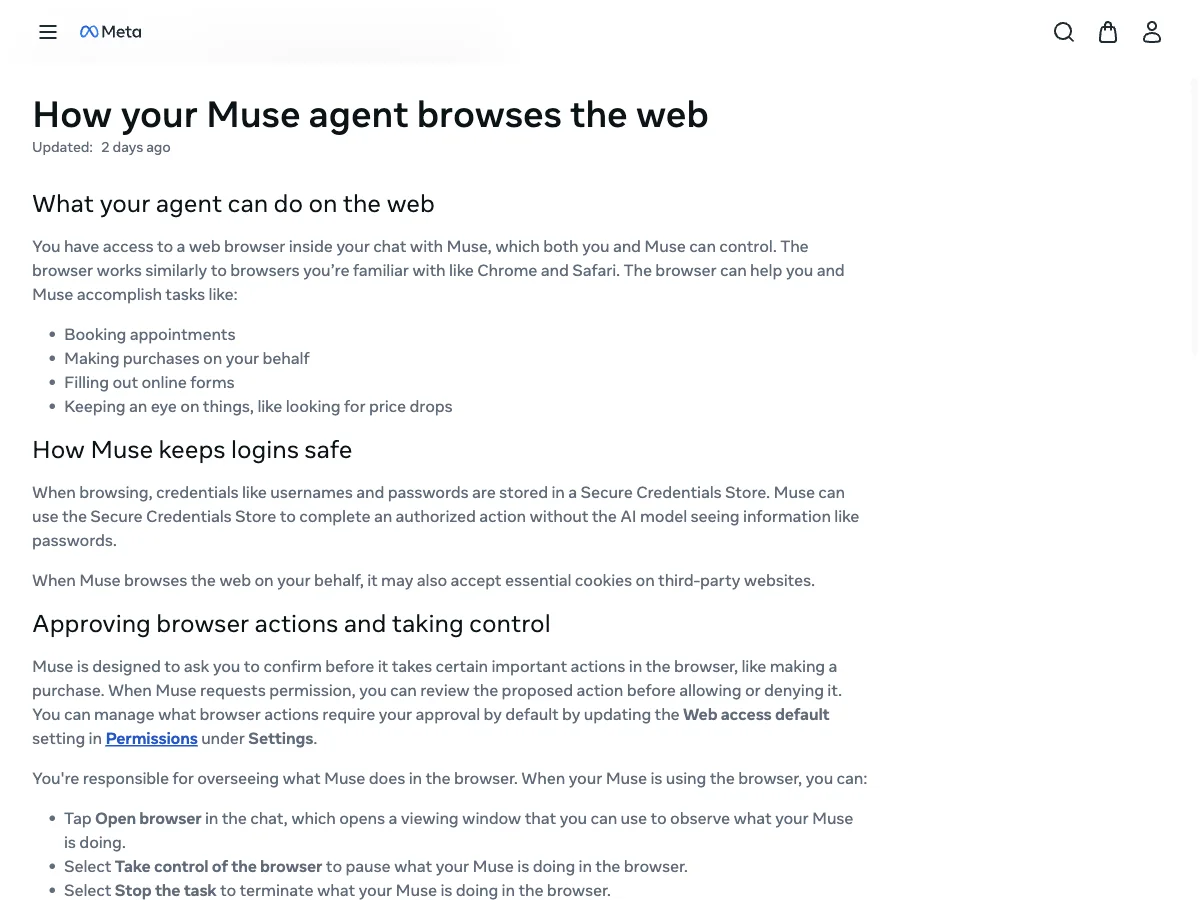
| Muse browser control | Meta Help Center, updated September 2026 | Open browser, Take control, and Stop task are documented |
| Muse credentials | Meta product and help pages | Credentials are held in a Secure Credentials Store the model cannot read |
| Muse performance | No public benchmark and no product access | No latency or success-rate conclusion is justified |
How does a local session differ from Muse's Secure VM?
| Dimension | ego(lite) | Meta Muse |
|---|---|---|
| Primary product | Local browser environment for human-agent collaboration | Consumer personal agent with a browser inside its service |
| Browser location | Dedicated local Chromium Space | Persistent, dedicated Secure VM in Meta's cloud |
| Login state | Selected Space and user-provisioned browser state | Separate credentials and sessions established inside Muse |
| Agent choice | Agent-agnostic browser layer with public skills | Meta's proprietary Muse service and model stack |
| Human recovery | Take over the live local page immediately | Open the VM browser from chat, then take control |
| Best browser fit | Logged-in navigation, extraction, QA, data entry, repeatable browser workflows | Personal tasks that begin in Muse and span supported apps or services |
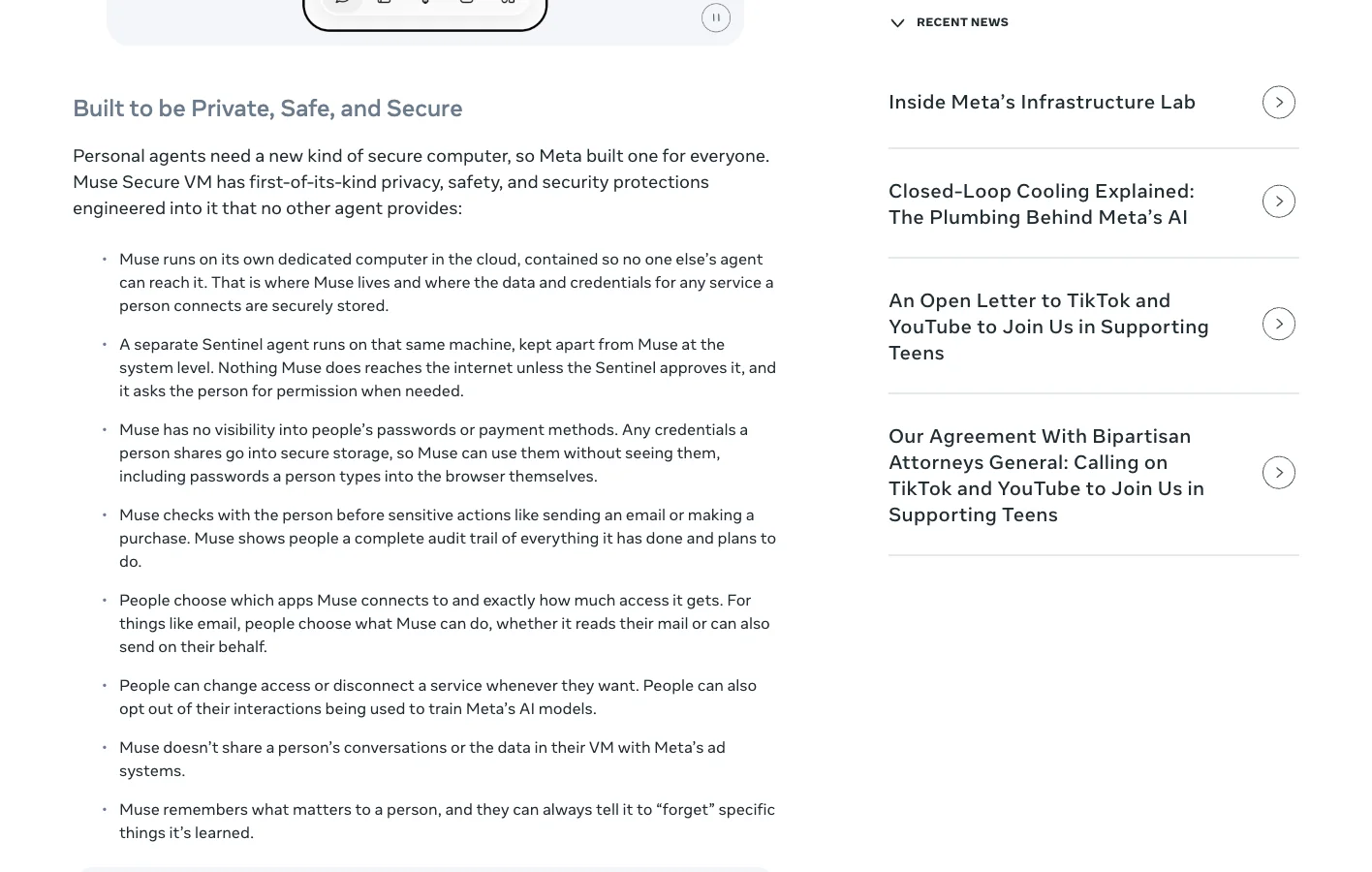
A Secure VM isolates risky work and keeps a task running after your phone app closes. It also draws a fresh boundary around trust and session. A site where you are already logged in on your own browser is not logged in inside Muse. Meta's credential store can set up access inside Muse, but that is credential delegation rather than reuse of your local session.
How do cost and licensing compare?
The official Muse FAQ says Muse is free with a usage limit; users who reach it can wait for a refresh or upgrade to a paid subscription. TechCrunch reported launch plans of $20 per month for Power and $100 per month for Maximum. The exact allowance is not published on the page we checked, so this article does not invent a cost-per-task number.
The ego(lite) browser is free to download, and its public harness and skill are MIT-licensed. An external model or agent subscription can still create usage cost, so ego(lite) is not a zero-cost AI system. What it avoids is bundling the browser into a $20 or $100 personal-agent tier, which leaves you free to pick a model and agent to suit the task.
The community surfaces differ too. On September 11, the ego(lite) GitHub repository showed 15,694 stars, 820 forks, 10 contributors, public issues, and an MIT license. Its Discord showed about 522 members, and third-party projects include dsh-ego-browser and ego-to-skill. Muse reaches a far larger consumer audience, especially through WhatsApp, but it does not offer a comparable open browser-automation repository or public extension ecosystem.
Where is Meta Muse still the better product?
Muse wins when the task spans apps rather than staying in a browser: start in WhatsApp, connect email and calendar, keep a goal running after the app closes, use supported purchase protections, and let one service coordinate the whole job. Meta's launch materials describe appointments, forms, customer service, email, travel, shopping, and proactive long-running goals.
ego(lite) should not pretend to replace that assistant layer. When the work already lives in a browser and you care about local state, model choice, visible execution, and immediate handoff, a dedicated browser environment serves you better than renting a whole personal-agent stack.
What can this comparison not prove?
We cannot claim ego(lite) is faster or more reliable than Muse. Muse was not available to us for controlled testing, and Meta publishes no reproducible browser benchmark. Nor can we assume Muse fails on sites that use CAPTCHA, MFA, or anti-automation controls; its public documentation does not establish that either.
What the evidence does establish is where the browser runs, where login state is created, how the user takes control, which model stack owns the task, and what pricing and community activity are public. Those are the facts you need to choose between the two for browser automation. Nothing here turns launch claims into benchmark data.
FAQ
Does Meta Muse use my existing Chrome session?
Muse runs in a persistent Secure VM with its own browser and Secure Credentials Store. That is not the same as inheriting cookies from an already-open local Chrome or ego(lite) Space.
Can a person take over Muse's browser?
Yes. Meta's help page says the user can open the browser from chat, take control to pause Muse, or stop the task. The live help page is the source for that behavior.
Is Muse free?
Meta says Muse has a free usage limit and a paid upgrade after the limit. The official page we checked did not publish the allowance size; launch reporting listed Power at $20 per month and Maximum at $100 per month.
Is ego(lite) free?
The browser is a free download, and the public harness and skill are MIT-licensed. The AI agent or model that controls it can still require a paid plan or API usage.
When should I choose ego(lite)?
Choose ego(lite) when the work needs local or user-granted login state, a visible Space, and immediate human takeover.
When should I choose Meta Muse?
Choose Muse when you want a managed personal agent that begins in Muse or WhatsApp, coordinates supported apps, and keeps long-running consumer tasks inside Meta's service.
Was Muse benchmarked in this article?
No. We had hands-on access to ego(lite) and source-level access to Meta's live product and help pages, but no Muse product access. The article deliberately makes no Muse latency or success-rate claim.
Meta Muse is a broad personal-agent product with a browser inside it. ego(lite) is a browser product built for human-agent collaboration. The narrower scope means the tradeoffs land in different places, and for work that already happens in the browser those tradeoffs line up.